
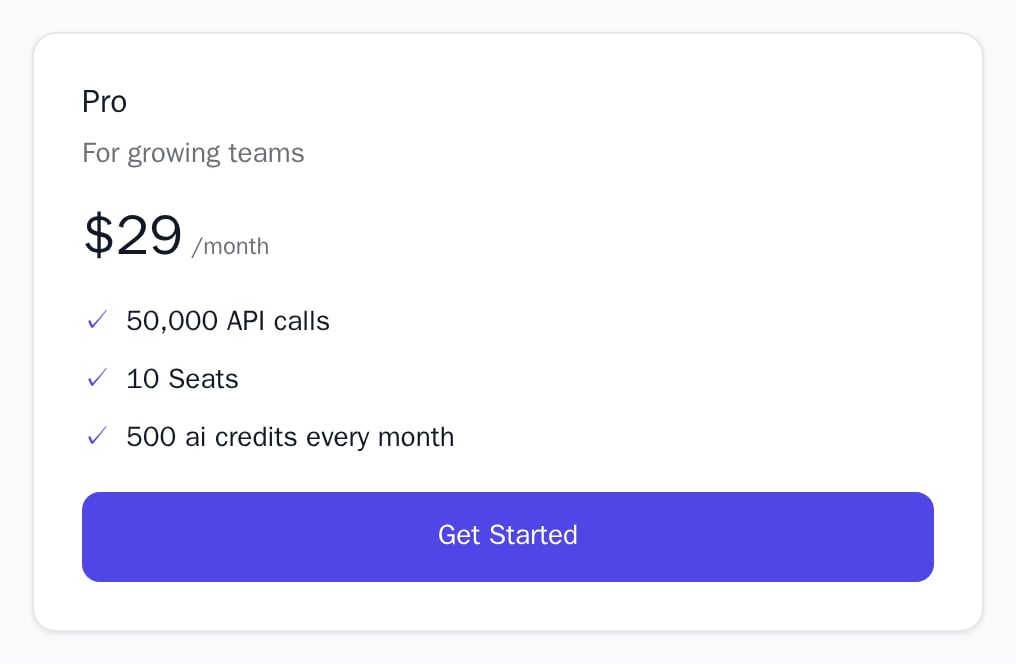
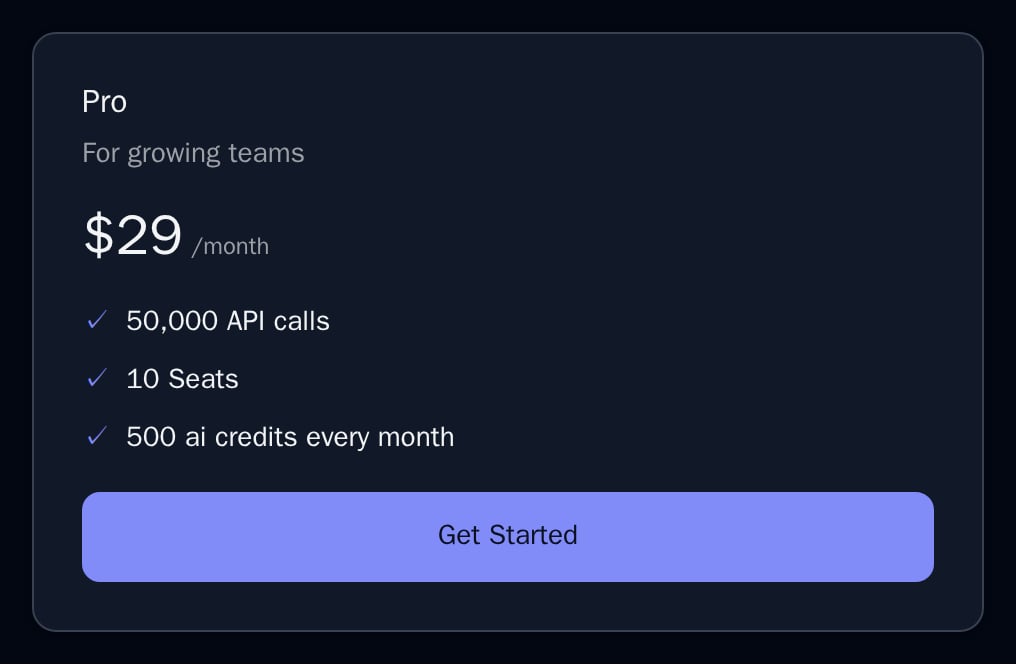
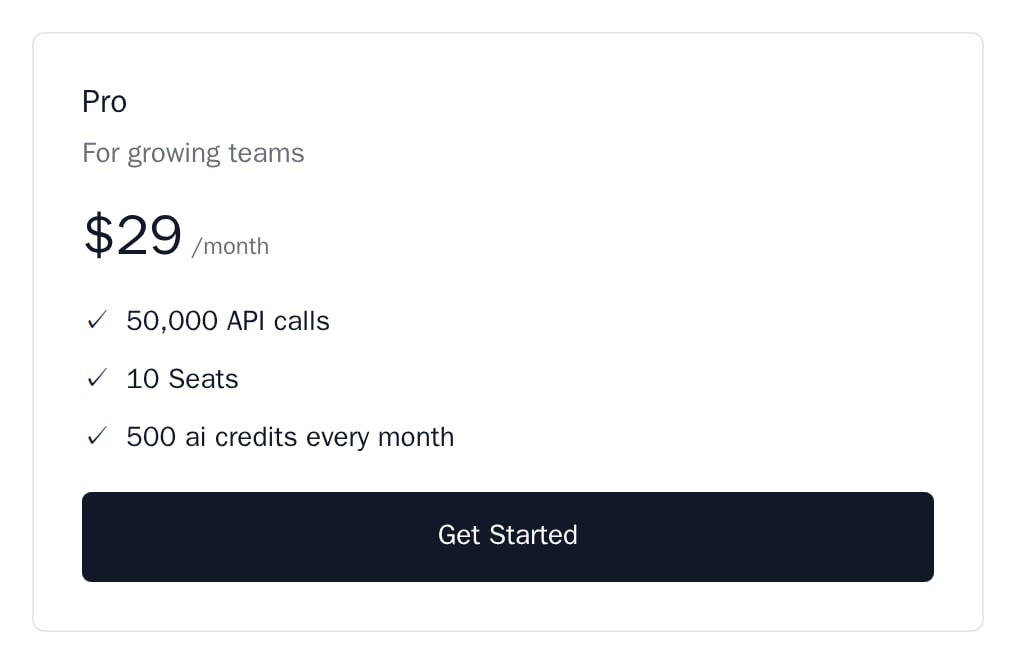
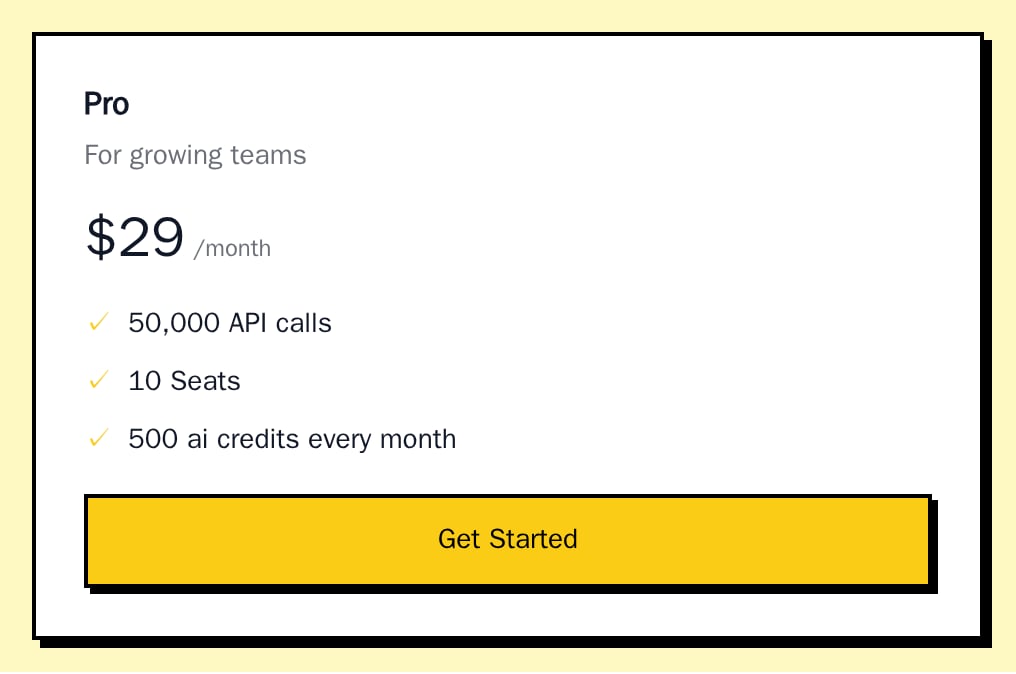
PlanCard renders a single plan with its price, the lines read from the plan and a button, for when you lay out your pricing page yourself instead of using PricingTable.
When to use
- A custom pricing grid, carousel or comparison page.
- A “recommended plan” box next to other content.
- An upgrade prompt that shows the plan the customer would move to.
- Light
- Dark
- Minimal
- Neobrutal
- Nozle
- Nozle Dark
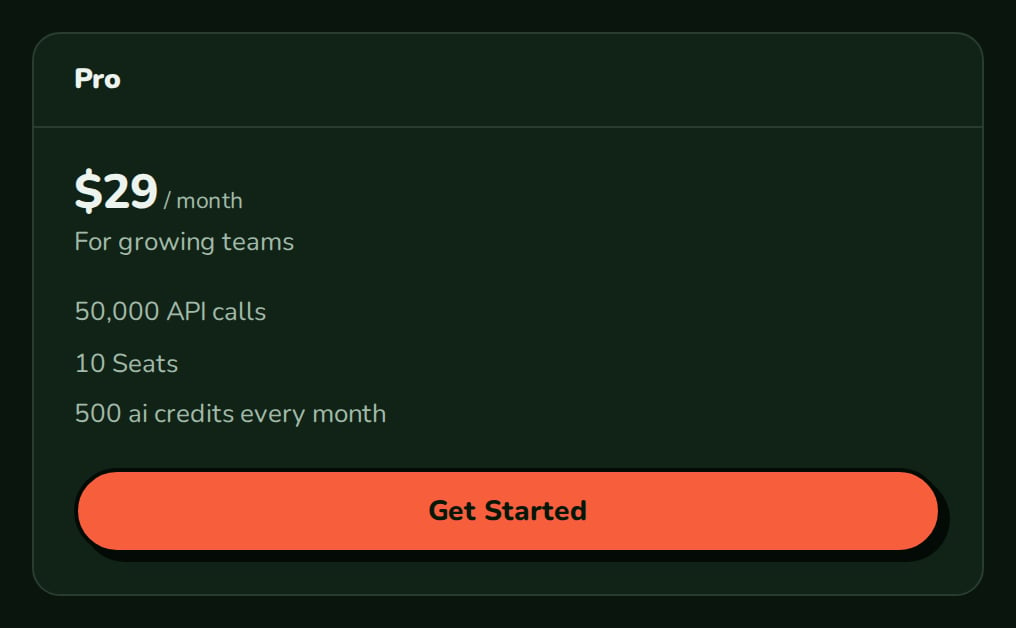
Importing PlanCard
Rendering PlanCard
Pass a plan and anonSelect handler; the card calls it with the plan code and return URL when the “Get Started” button is clicked:
components/pro-card.tsx
planFeatures. The price is formatted in the plan’s currency, without decimals for whole amounts ($29, $14.99). The interval reads month, year, week, quarter or 6 months; other intervals show as sent.
PlanCard does not fetch anything and does not show Powered by Nozle.
Data
The card needs one plan in thePricingPlan shape the public catalog returns:
Live data
Read the plans withusePlans inside BillingProvider, and start checkout with useCheckoutSession, which calls the provider’s createCheckout:
Examples
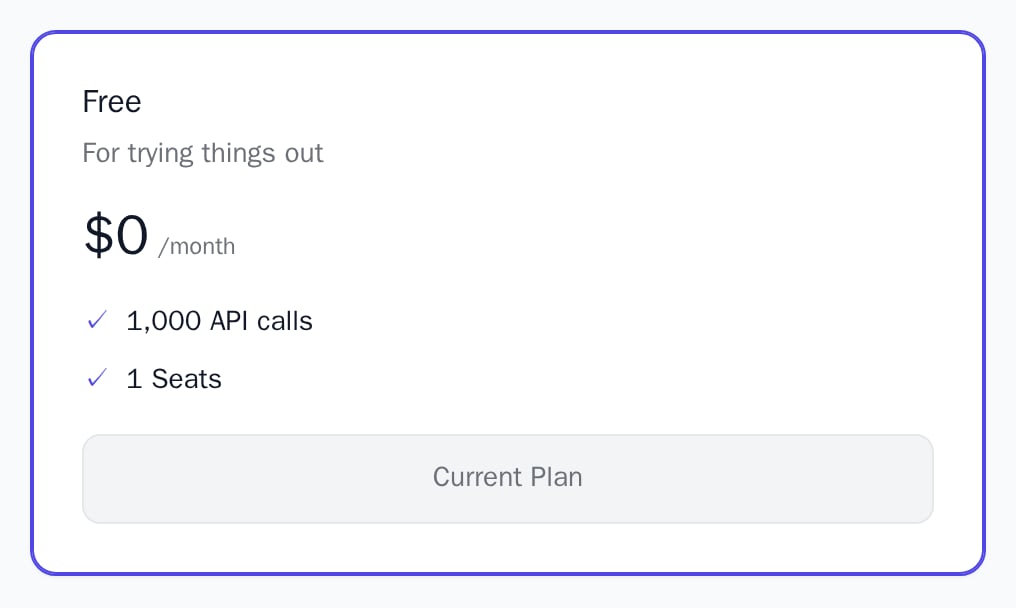
Current plan
WithisCurrent, the card gets a primary-colour border, aria-current="true" and a disabled “Current Plan” button.
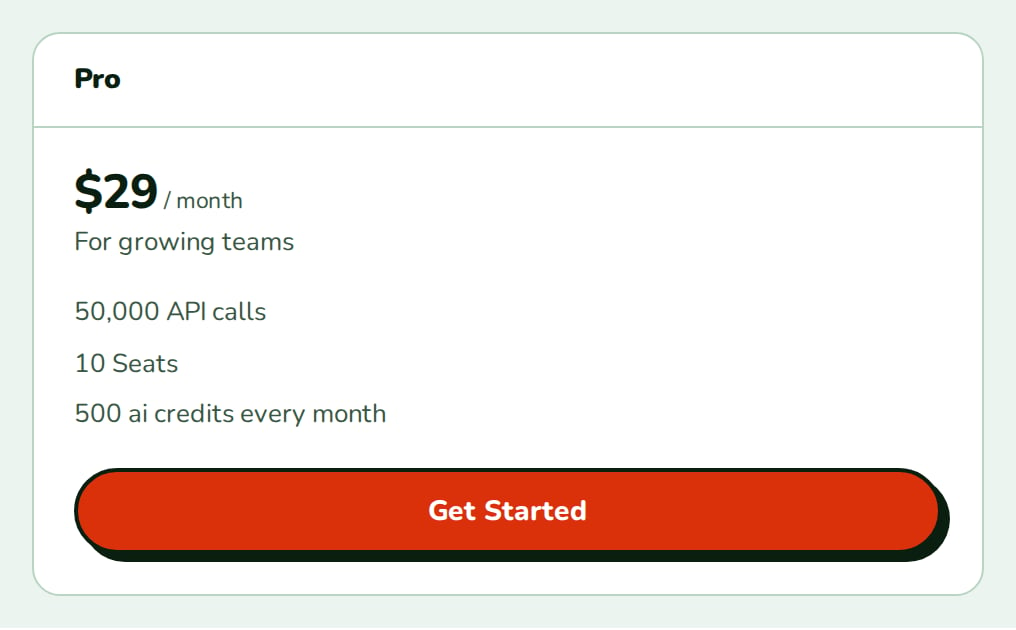
Panel layout
The themesnozle and nozleDark use the panel card layout: the name in a header band, with a badge that reads “Active” on the current plan.
Custom lines
features replaces the lines read from the plan.
API reference
PricingPlan
required
The plan to show:
code, name, amount_cents, amount_currency, interval, and optional description, entitlements, credit_grant_rules, charges.boolean
required
Shows the card as the customer’s plan: a primary-colour border,
aria-current="true", and a disabled “Current Plan” button.string[]
Replaces the lines read from the plan. Defaults to the lines from
planFeatures(plan).(input: CreateCheckoutInput) => void
Fires when the “Get Started” button is clicked and receives
{ planCode, returnUrl }. Without it the card has no button.string
The
returnUrl passed to onSelect. Defaults to the current URL.Appearance
Theme, variables and element overrides. Defaults to the provider’s. See Appearance.
States
The root has
data-testid="plan-card-<code>".
Appearance
Element keys
Element keys
planCard (root), planCard__name, planCard__description, planCard__price, planCard__features, planCard__feature, planCard__cta. In the panel layout also planCard__header and planCard__badge, which reads “Active” on the current plan.Style them with appearance.elements. See Elements.Related
PricingTable
All plans with checkout built in.
PlanComparison
The plans side by side, feature by feature.
CheckoutButton
A button that starts checkout for one plan.
PlanBadge
The plan name as a small badge.