
PricingTable renders one card per plan with its price, what it includes and a button that starts checkout.
When to use
- A public pricing page.
- The plans page inside your app, with the customer’s current plan marked.
- An upgrade screen that a gate or a usage limit sends the customer to.
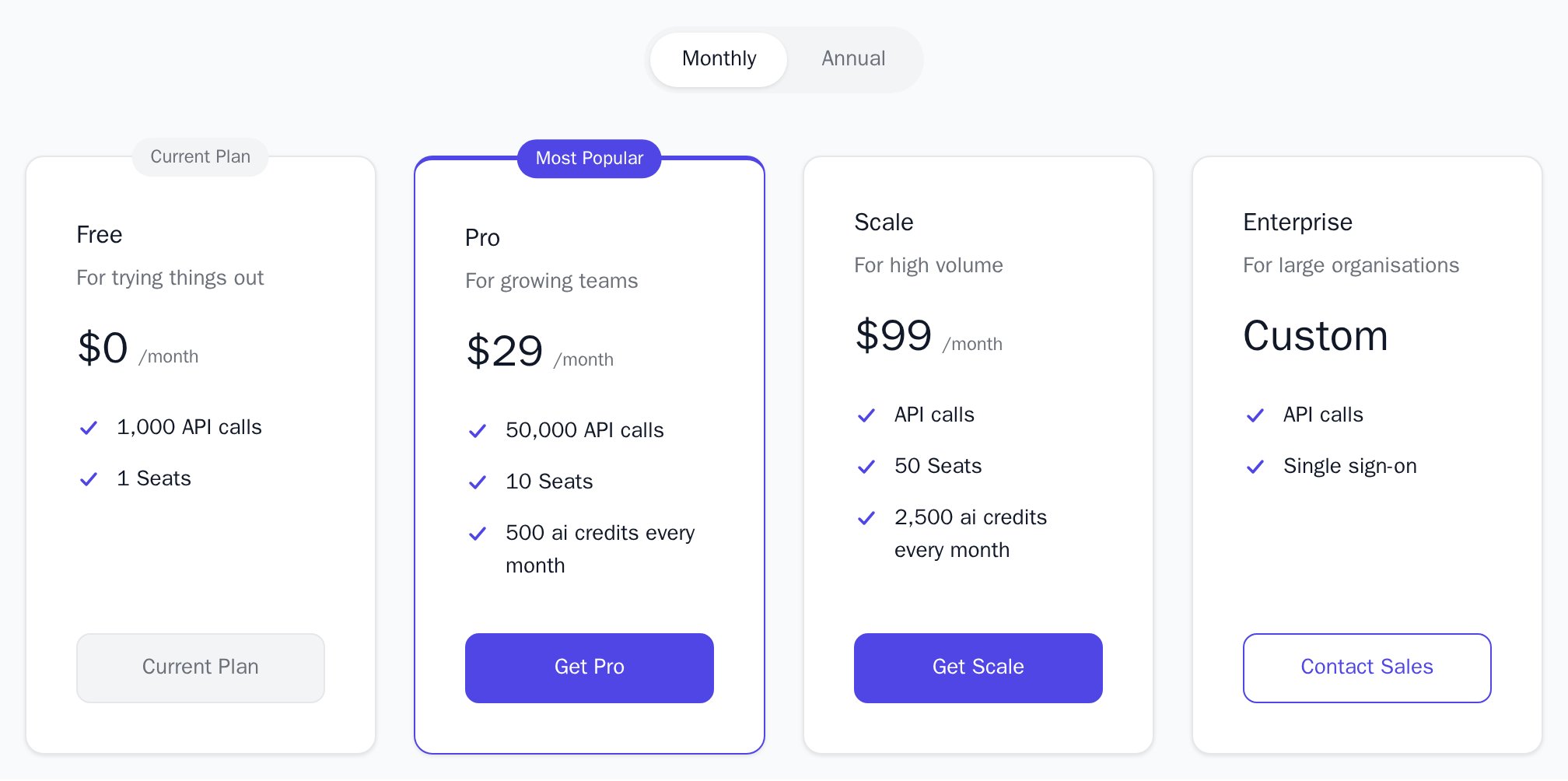
- Light
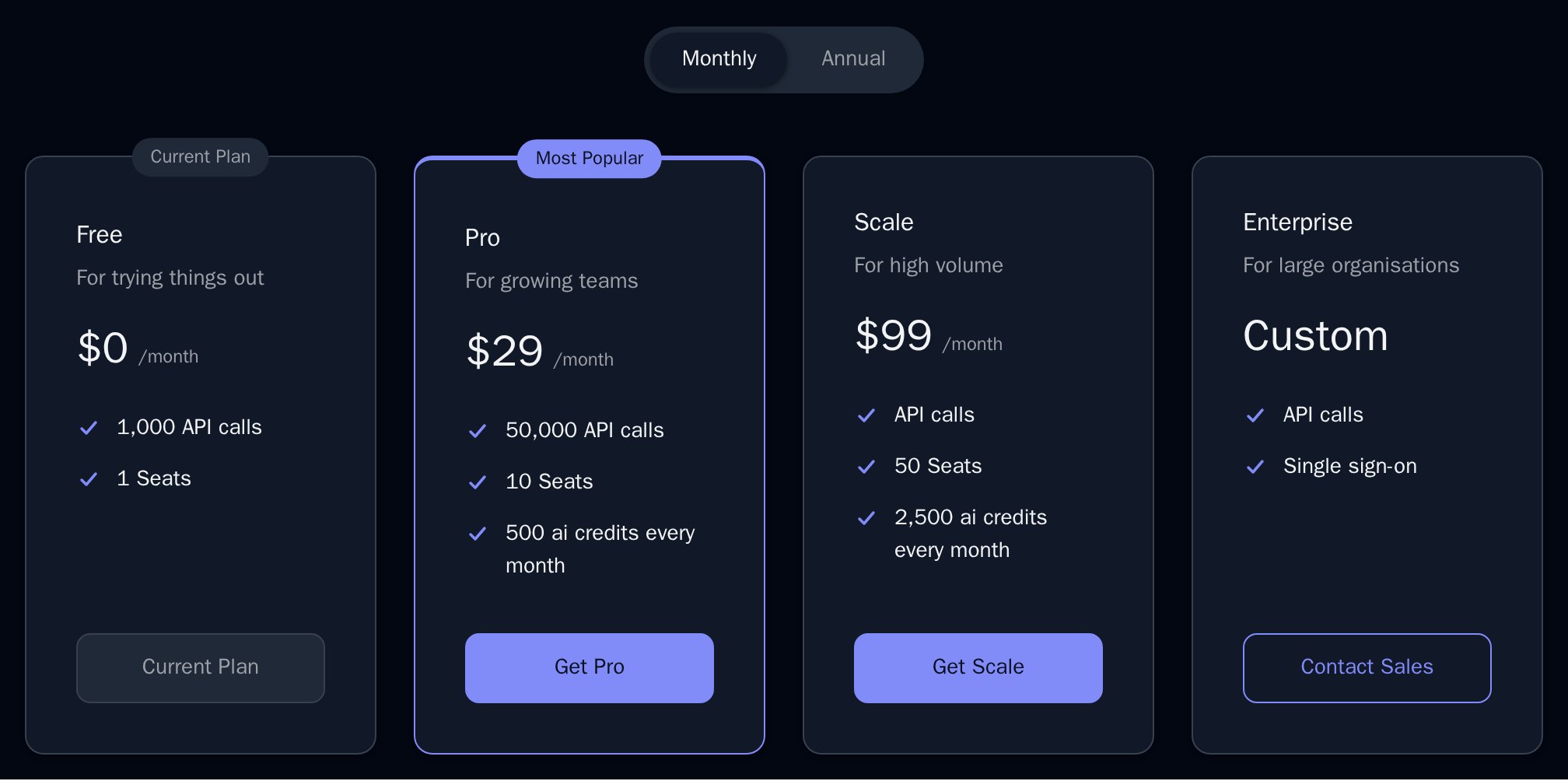
- Dark
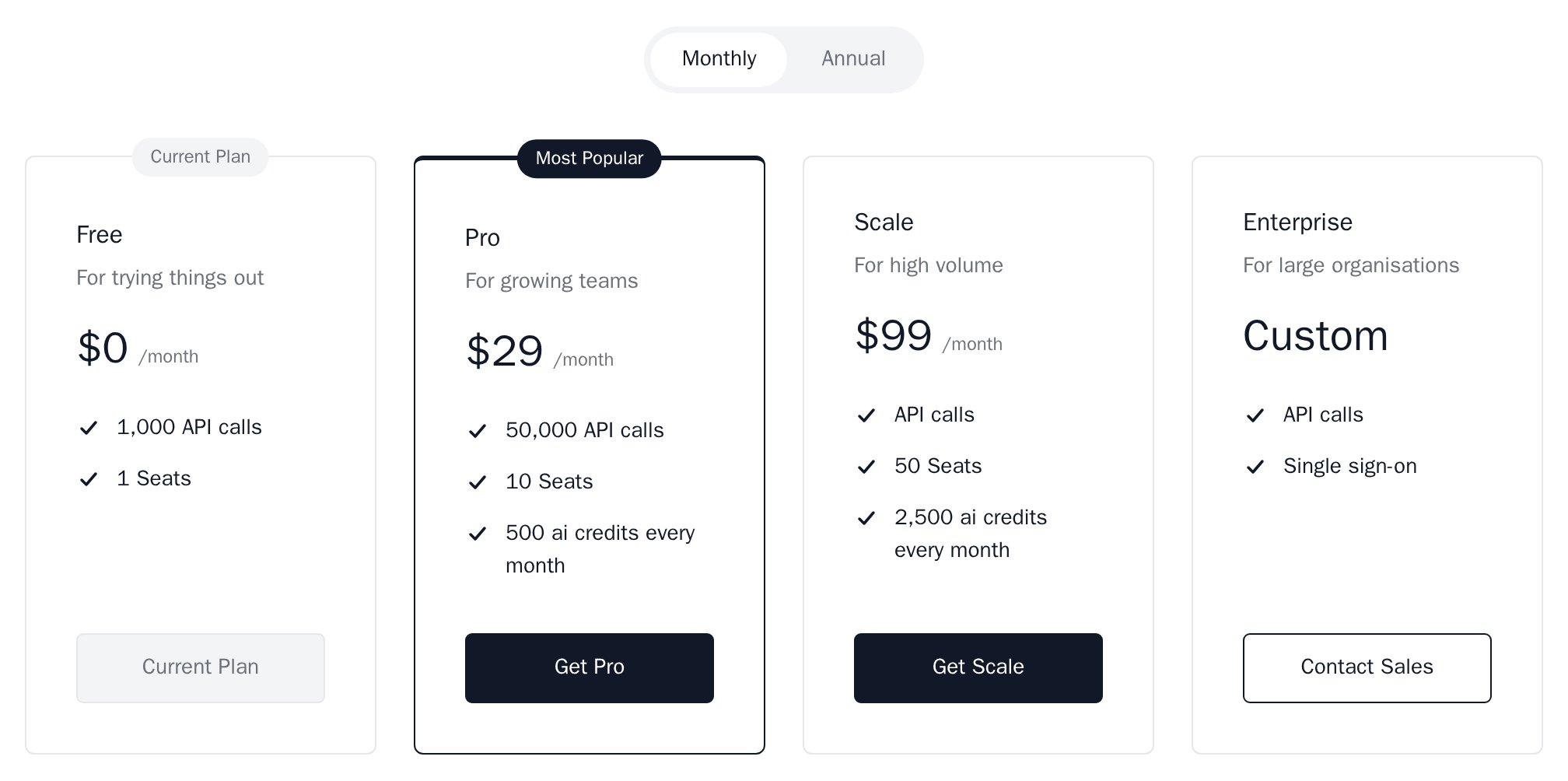
- Minimal
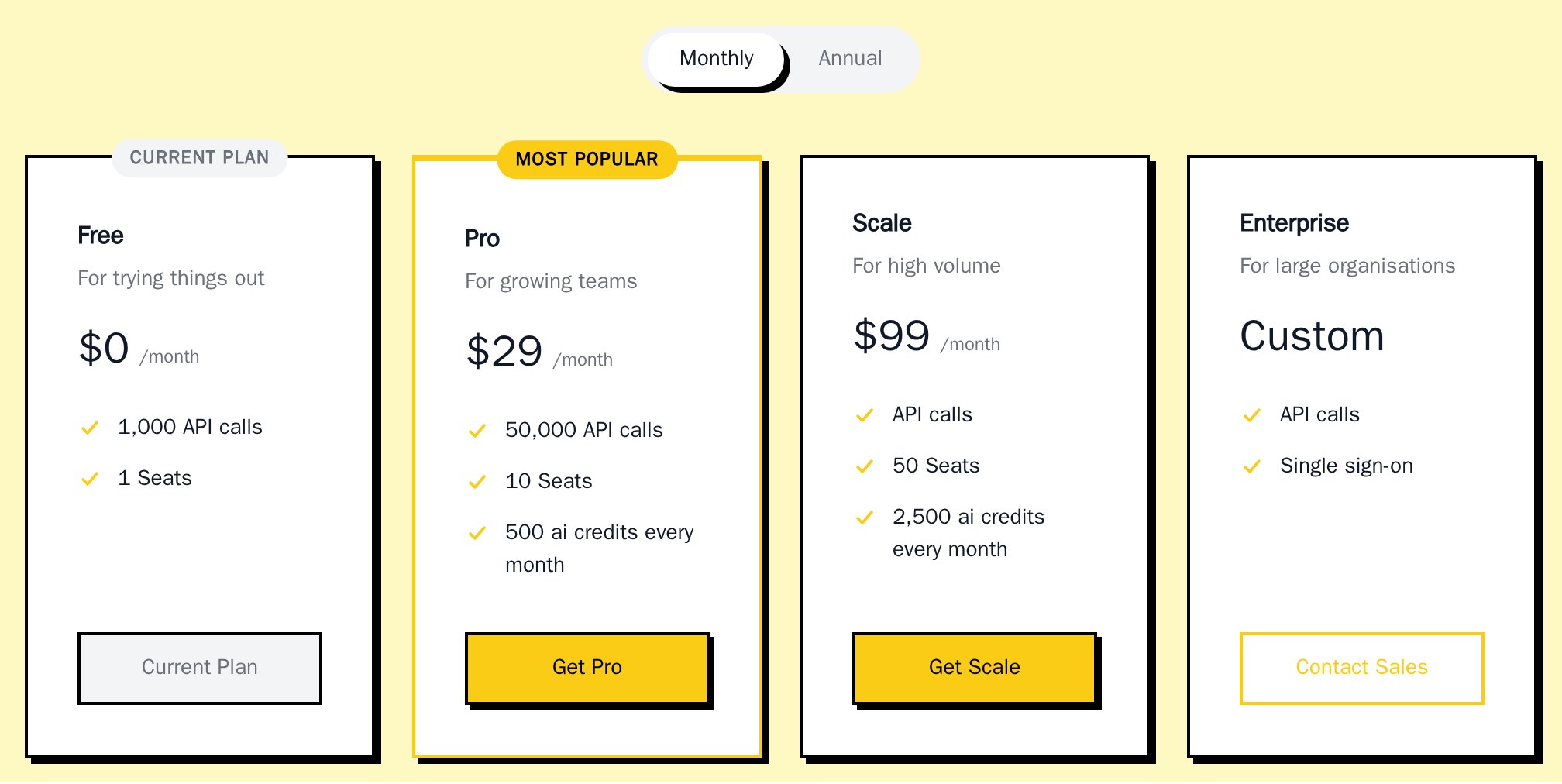
- Neobrutal
- Nozle
- Nozle Dark
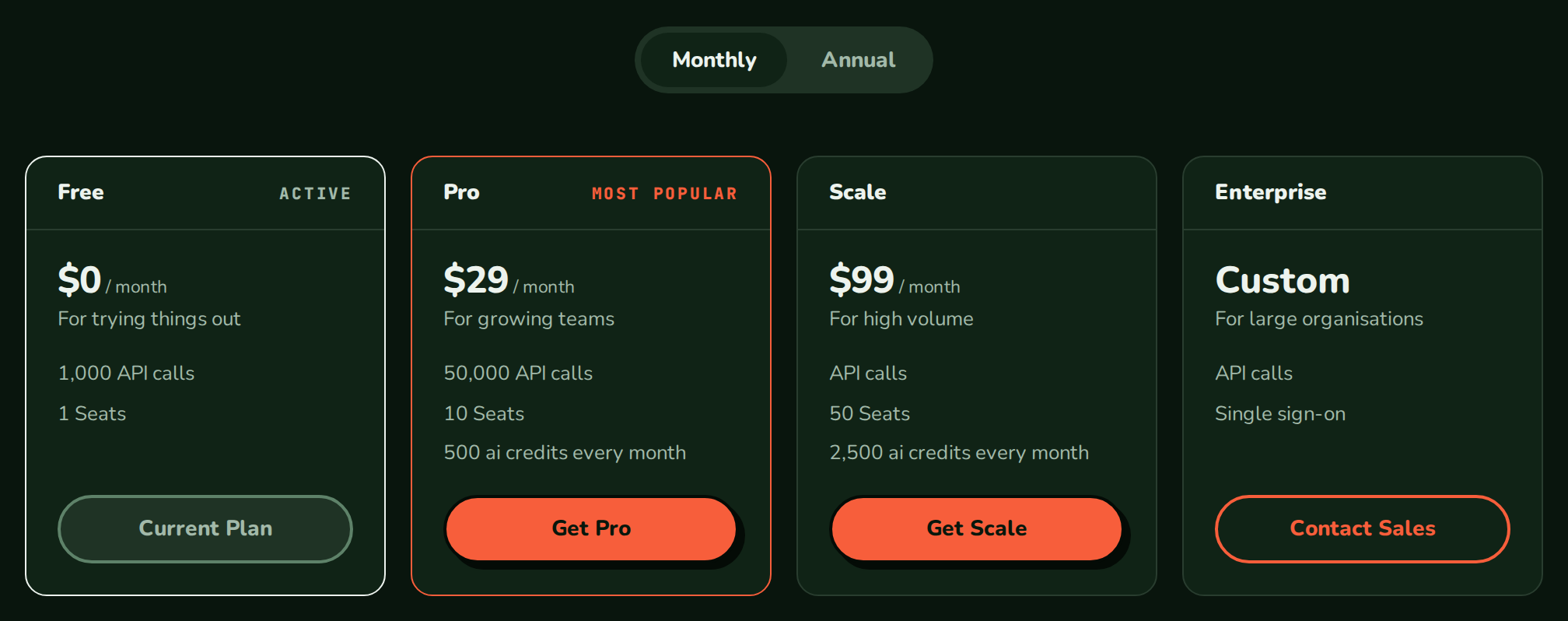
Importing PricingTable
Rendering PricingTable
Inside aBillingProvider, the table reads your plans from the public catalog and starts checkout through the provider’s createCheckout:
app/pricing/page.tsx
What a click does
WithonSelect, a click calls it with the plan and nothing else. Without it, the table calls createCheckout({ planCode, returnUrl }) and then:
- opens Razorpay for a
razorpayresult (with the provider’sverifyCheckout), - shows “Payment is processing. Confirmation may take a little while.” and polls with
getCheckoutStatusfor aprocessingresult, - redirects to the URL of a
hostedresult or a result withurl, - passes the secret of a
striperesult toonStripeClientSecret, - does nothing more for
completedandscheduledresults; read them inonCheckoutResult.
Data
Each plan has thePricingPlan shape that the public catalog returns. Pass plans to render your own list instead of the catalog:
Full example data
Full example data
Live data
Leaveplans out and the table reads GET /api/v1/plans itself through the publishableKey of BillingProvider. It shares one cached request with usePlans.
To filter plans, or to show your own loading and error UI, read them with usePlans and pass them in:
Data from the API
Each card’s lines come fromplanFeatures(plan), which you can also call for your own layout:
A
custom or dynamic charge gives no line; pass features for a plan that needs one.
Examples
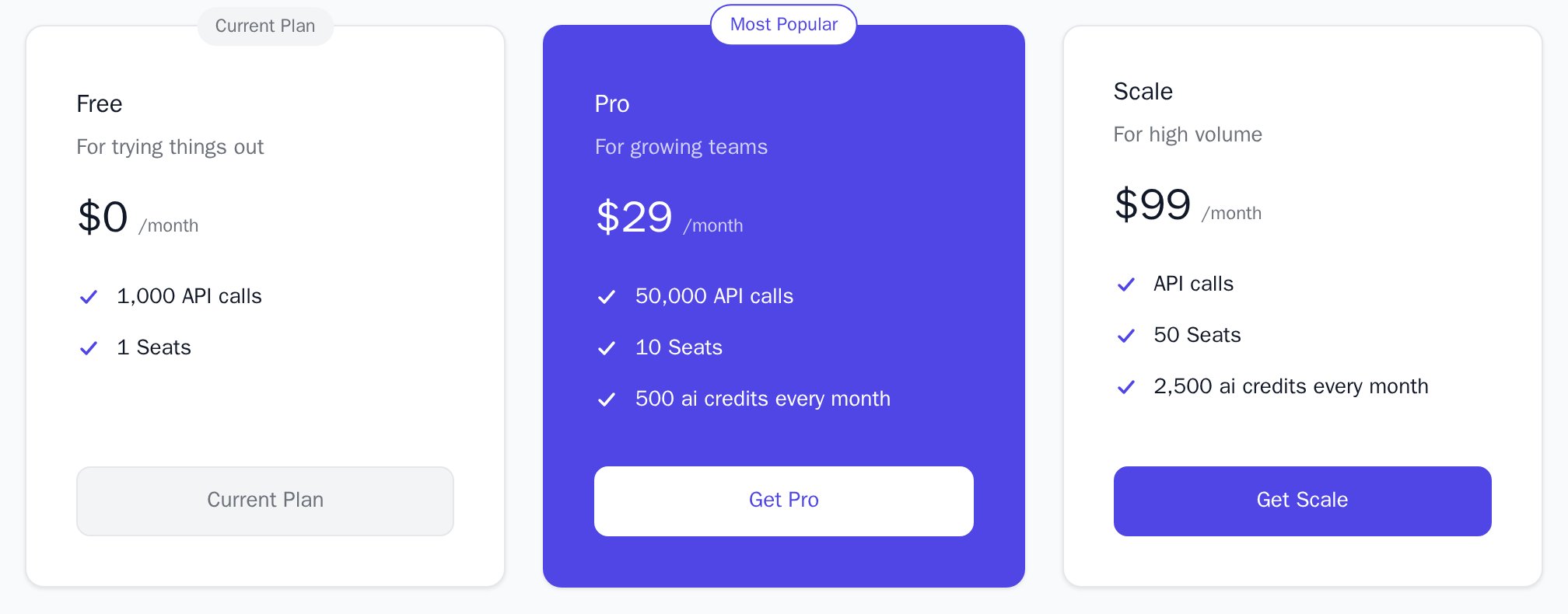
Current and highlighted plan
The current plan’s card shows “Current Plan” and a disabled button. The highlighted plan gets an outline and the “Most Popular” badge.Filled highlight
filled paints the highlighted card in colorHighlight. See highlighted plan.
Panel layout
The themesnozle and nozleDark use the panel card layout: the name in a header band, with ACTIVE on the current plan.
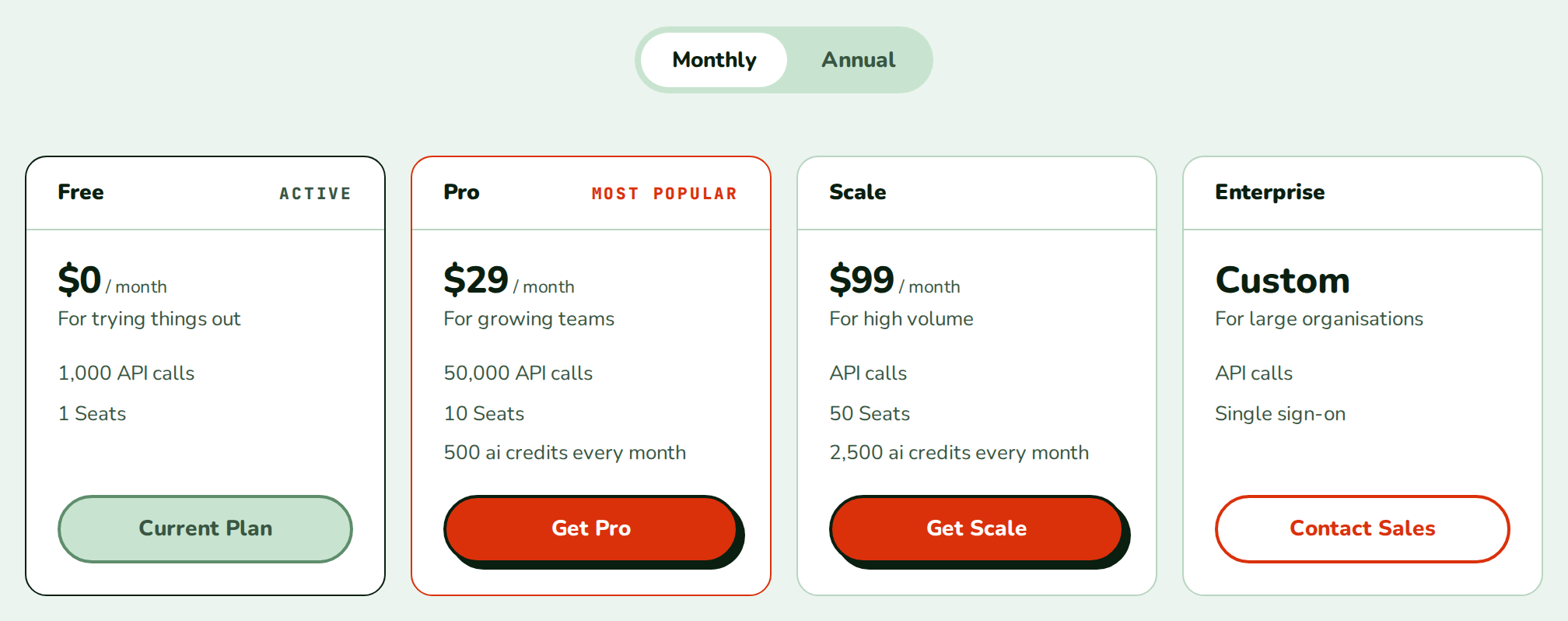
Contact sales
Plans incontactSalesPlans show “Custom” instead of a price and a “Contact Sales” button, and go last. With enterpriseEmail the button opens a mail to that address.
Catalog error
When the catalog request fails, the table shows the reason instead of the cards.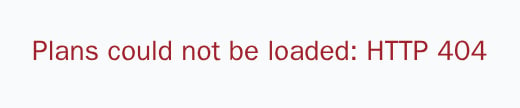
API reference
PricingPlan[]
The plans to show. When set, the table does not fetch. Defaults to the plans read from the catalog.
string
Code of the customer’s plan. Its card shows “Current Plan” and its button is disabled. Plans priced above it, in the same currency, get the primary button; the current plan uses the primary colour with no shadow, and plans at or below it get a plain button. See Plan buttons.
string
Code of the plan to stand out. Without
currentPlanCode, every paid plan gets the primary button and this plan keeps its highlight colours.'outline' | 'filled'
default:"outline"
outline draws the card border in colorHighlight; filled paints the card in colorHighlight and its text and button in colorHighlightForeground. See highlighted plan.string | null
default:"Most Popular"
Badge on the highlighted card.
null shows no badge. On the current plan the badge reads “Current Plan”.boolean
default:true
Shows the Monthly/Annual toggle when at least one plan has
interval: 'yearly'. While the toggle shows, only plans with the selected interval (monthly or yearly) and contact-sales plans are listed.string[]
Codes of plans sold on request. Their card shows “Custom” instead of a price and a “Contact Sales” button, and they are placed last. From React
0.11.0; earlier versions guessed these plans from their names.string
The “Contact Sales” button opens a mail to this address with the subject “Enterprise Plan Inquiry”. Without it, the button selects the plan like any other card.
string[][] | Record<string, string[]>
Replaces the lines of a card: an array in the order the cards are rendered (after sorting and the toggle), or an object keyed by plan code. Defaults to the lines from
planFeatures.(a: PricingPlan, b: PricingPlan) => number
Orders the plans. The default, cheapest first, is
sortPlansByPrice with contact-sales plans last; plans in different currencies stay grouped.(plan: PricingPlan) => void
Fires when a plan’s button is clicked and receives that plan. When set, the table does not call
createCheckout; without it, a click starts checkout.string
Sent to
createCheckout with the plan code. Defaults to the current URL. The table sends no idempotency key; only CheckoutButton does.(result: CheckoutResult) => void
Fires for every result
createCheckout returns, before the table handles it, and receives that result.(clientSecret: string) => void
Fires for an embedded Stripe checkout and receives its client secret; render
Checkout with it. Without it a Stripe result shows “onStripeClientSecret is required for embedded Stripe checkout”.(error: Error) => void
Fires when checkout fails and receives the error. The message also shows above the cards. Catalog load errors are not passed to it.
string
Class name on the root element.
Appearance
Theme, variables and element overrides on top of the provider’s. See Appearance.
States
The table shows Powered by Nozle below the cards.
Appearance
Element keys
Element keys
pricingTable, pricingTable__toggle, pricingTable__toggleButton, pricingTable__grid, and for each card planCard, planCard__header (panel layout only), planCard__badge, planCard__name, planCard__description, planCard__price, planCard__features, planCard__feature, planCard__cta.Style them with appearance.elements. See Elements.Related
PlanCard
One plan card for your own layout.
PlanComparison
The plans side by side, feature by feature.
Checkout
Collects the payment for a Stripe client secret.
Appearance
Themes, variables and element overrides.