
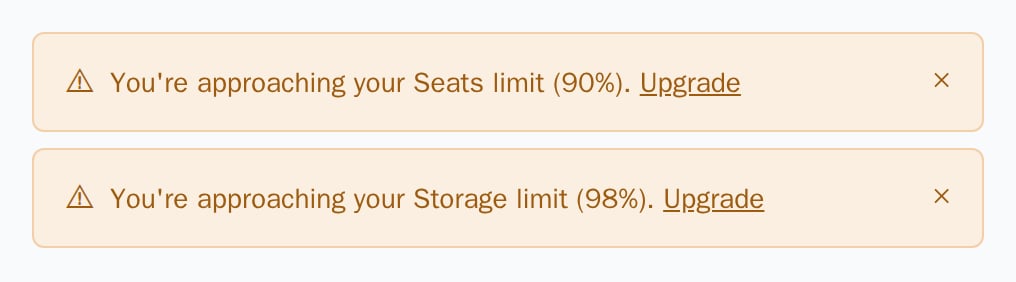
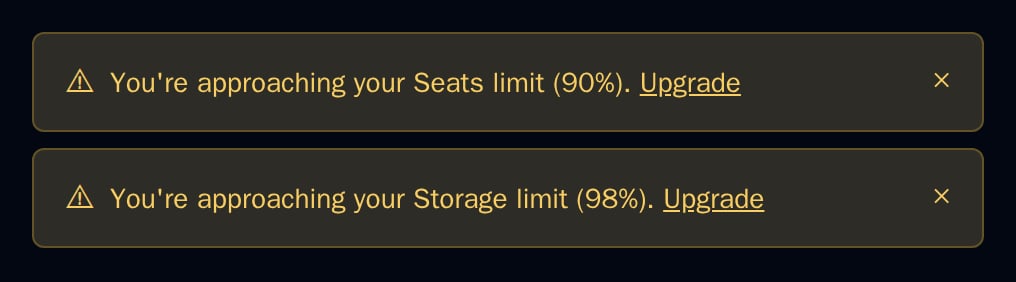
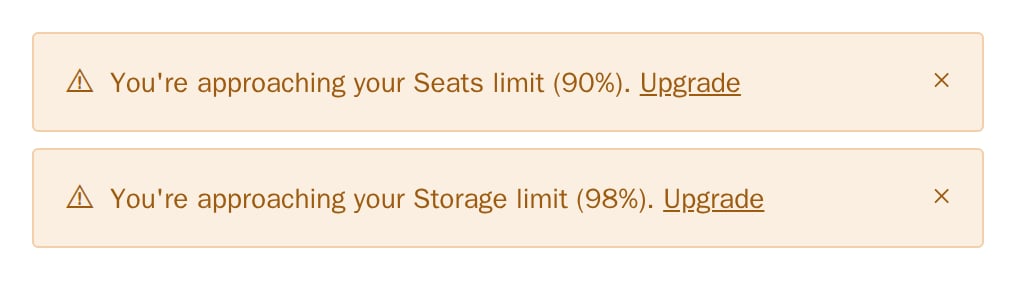
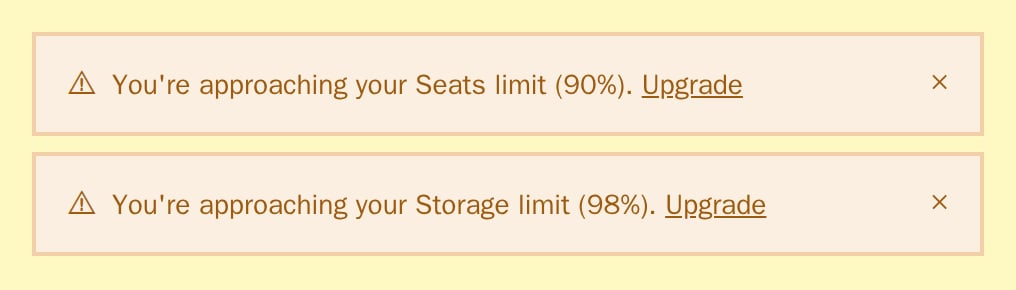
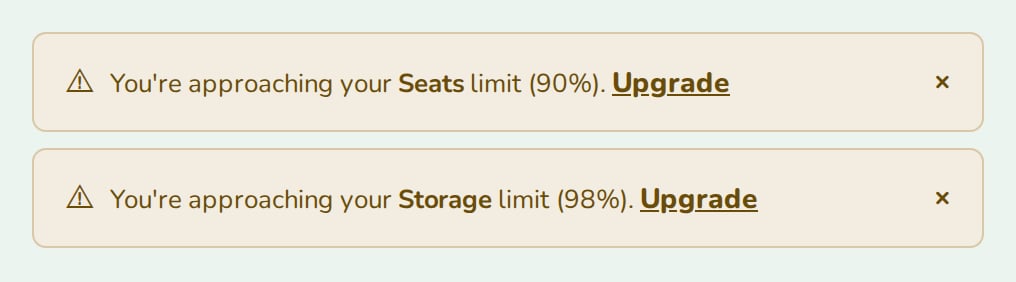
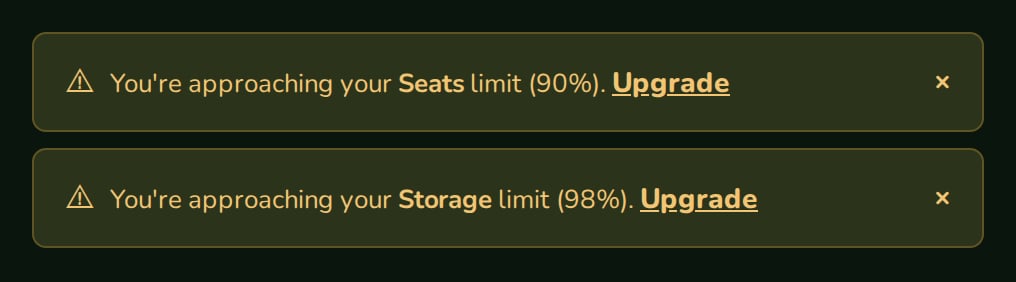
UsageAlert shows one warning per feature at or above a usage threshold, each with an “Upgrade” link and a dismiss button.
When to use
- The top of your app’s main page or dashboard.
- Above a feature that is close to its limit.
- Any place where you want a warning only once usage passes a threshold you choose.
- Light
- Dark
- Minimal
- Neobrutal
- Nozle
- Nozle Dark
Importing UsageAlert
Rendering UsageAlert
Pass each feature with its usage percentage:components/usage-alerts.tsx
Data
Each feature is aUsageAlertFeature: { key, label, percentage }. Features below the threshold are left out:
Live data
Work out the percentage from theused and limit of useEntitlement:
Examples
Several features
Each feature at or above the threshold gets its own warning. Raisethreshold to warn later: with threshold={95}, only Storage would show here.
API reference
UsageAlertFeature[]
required
{ key, label, percentage } per feature. The percentage is rounded in the text.number
default:80
A feature at or above this percentage shows a warning.
string
default:"/plans"
Where the “Upgrade” link goes.
Appearance
Theme, variables and element overrides. Defaults to the provider’s. See Appearance.
States
Dismissed warnings are kept in component state, keyed by
key; they come back when the component mounts again.
Appearance
Element keys
Element keys
usageAlert (root), usageAlert__dismiss (the × button).Style them with appearance.elements. See Elements.Related
UsageMeter
The usage of one limit as a bar.
UpgradeButton
Upgrade from the warning.