
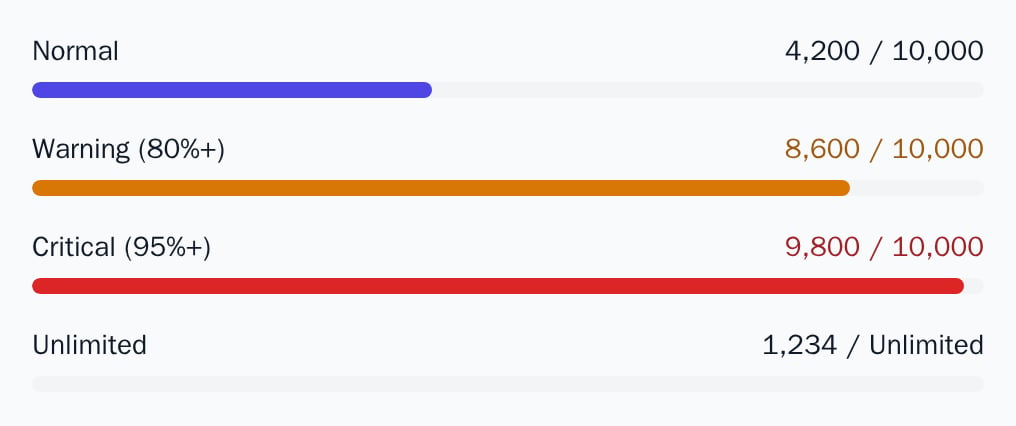
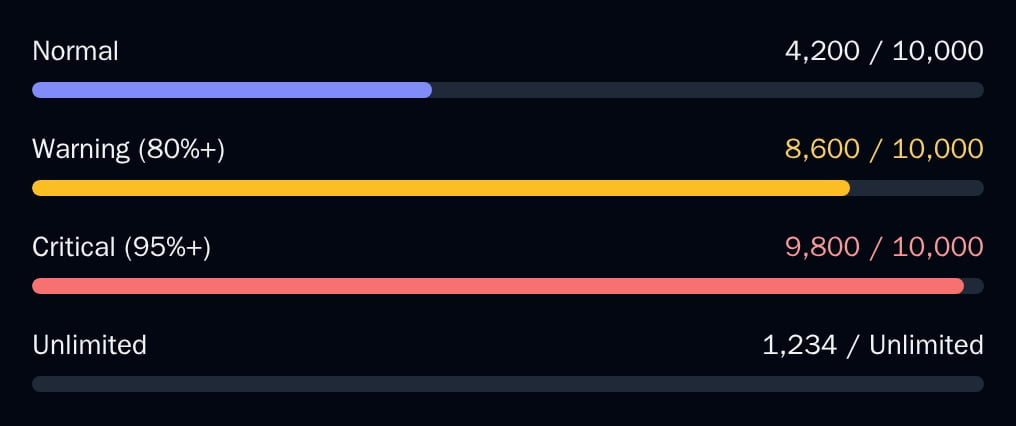
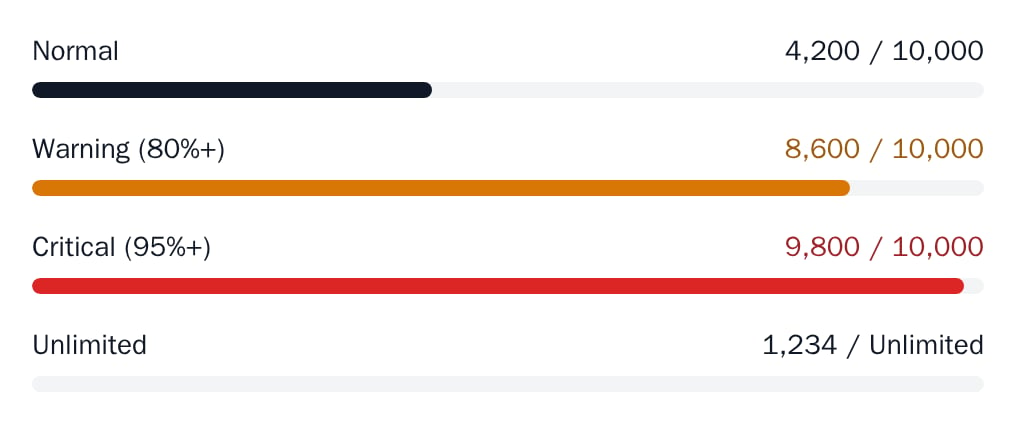
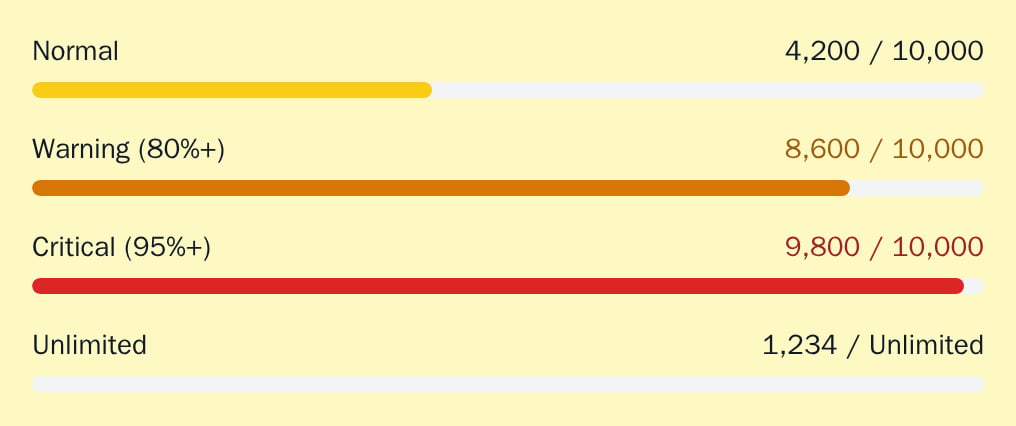
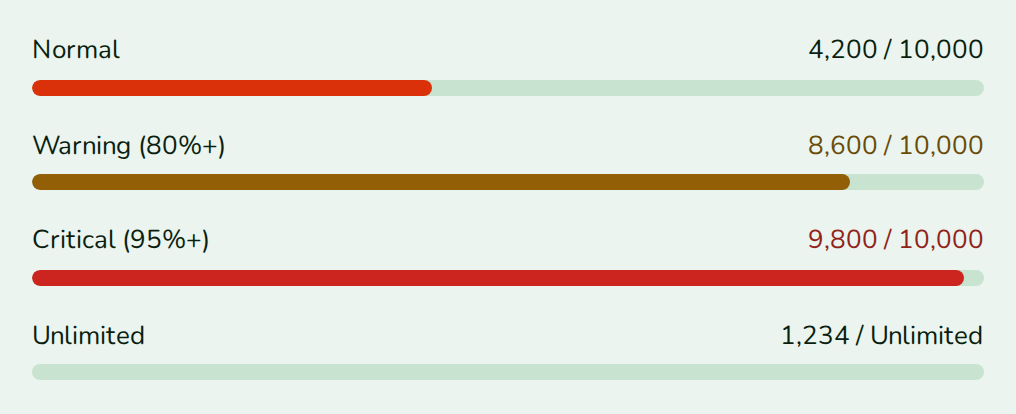
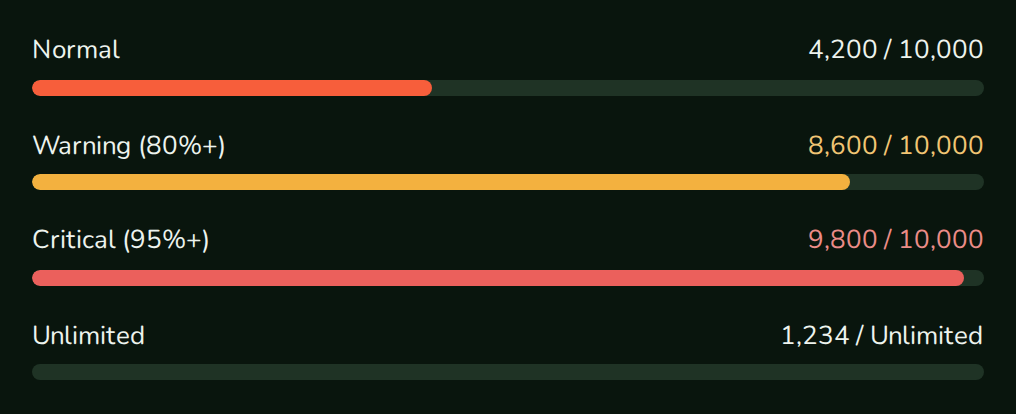
UsageMeter shows how much of one limit is used: a label, used / limit, and a bar that turns amber at 80% and red at 95%.
When to use
- Next to a feature that has a monthly limit (“API calls this month”).
- In a settings page, one row per limit.
- Anywhere you need the same warning colours as the meter, through
getUsageMeterColor.
UsageDashboard.
- Light
- Dark
- Minimal
- Neobrutal
- Nozle
- Nozle Dark
Importing UsageMeter
Rendering UsageMeter
Pass the usage so far and the limit:components/api-calls-meter.tsx
used / limit text takes the same colour.
Data
The meter needs two numbers:used and limit. A limit of null means the feature has no limit.
Live data
useEntitlement(featureCode) returns the can() result for the signed-in customer through your billingEndpoint, with used and limit:
Examples
Warning and danger colours
From 80% the bar and the numbers turn amber; from 95% they turn red.Unlimited
Withlimit set to null or left out, the text reads “Unlimited” and the bar stays empty.
Bar only
Withoutlabel, only the bar shows.
The meter colour in your own UI
getUsageMeterColor(percentage) returns the fill colour for a percentage, as a CSS value: colorDanger at 95 or more, colorWarning at 80 or more, otherwise colorPrimary.
API reference
number
required
The usage so far.
number | null
The limit.
null or no value means unlimited: the text reads “Unlimited” and the bar stays empty. A limit of 0 shows an empty bar.string
Text above the bar. Without it, only the bar shows.
boolean
default:true
Shows
used / limit on the right of the label. Numbers use the browser’s locale.Appearance
Theme, variables and element overrides. Defaults to the provider’s. See Appearance.
States
Appearance
Element keys
Element keys
usageMeter (root), usageMeter__label, usageMeter__value, usageMeter__track, usageMeter__fill.Style them with appearance.elements. See Elements.Related
UsageDashboard
Several meters in one card.
UsageAlert
A warning when a limit is close.
UsageGate
Hides a feature at the limit.