
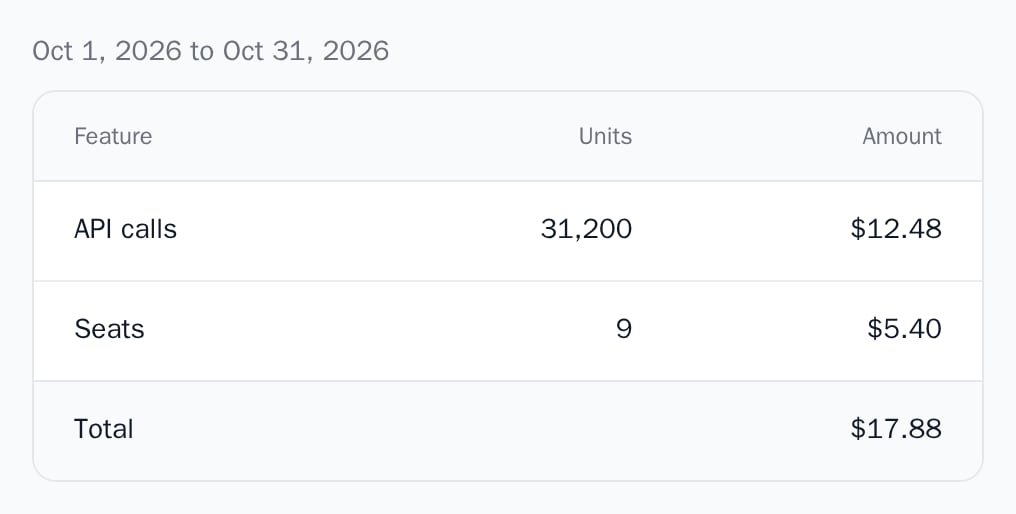
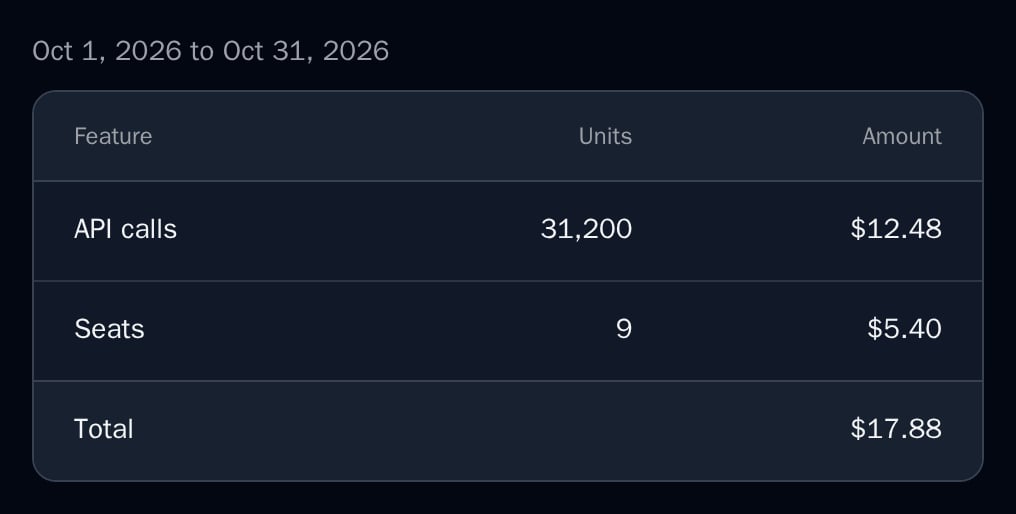
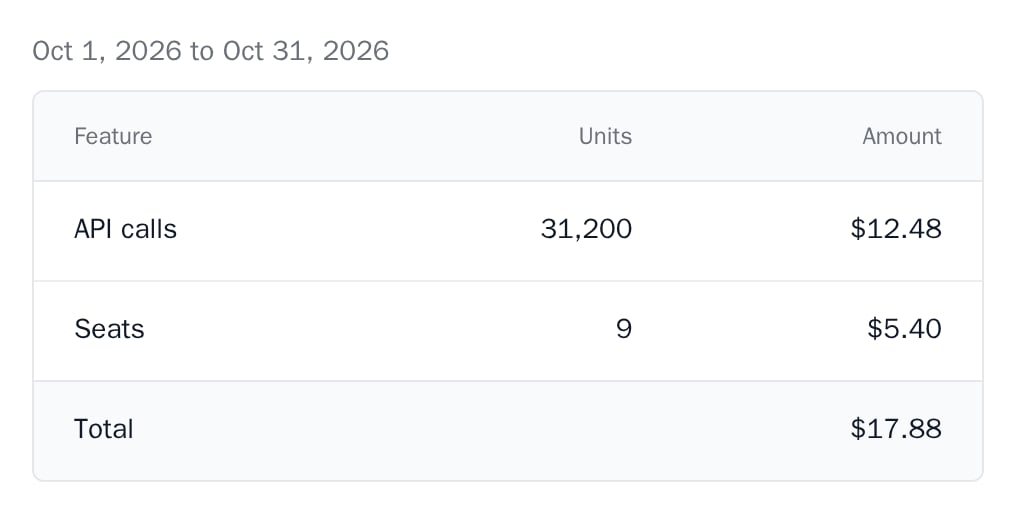
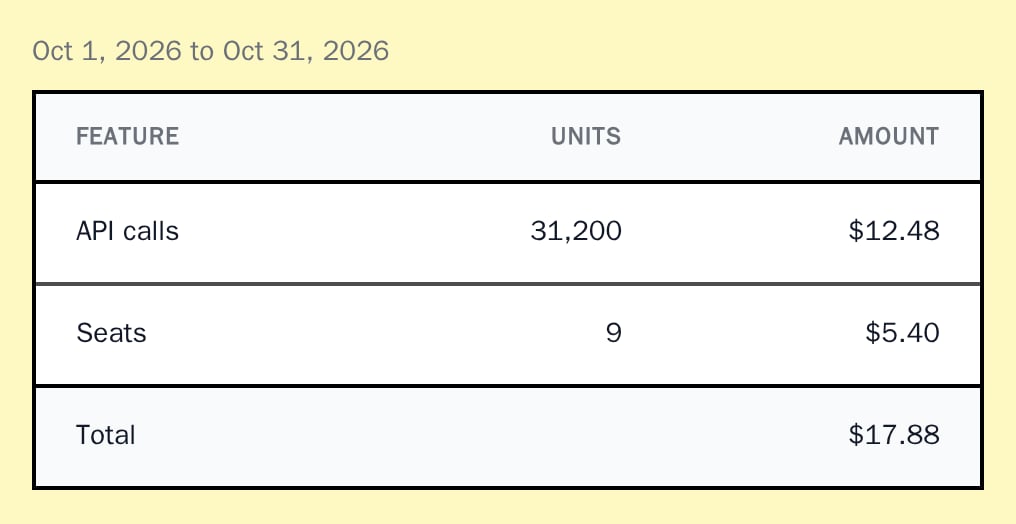
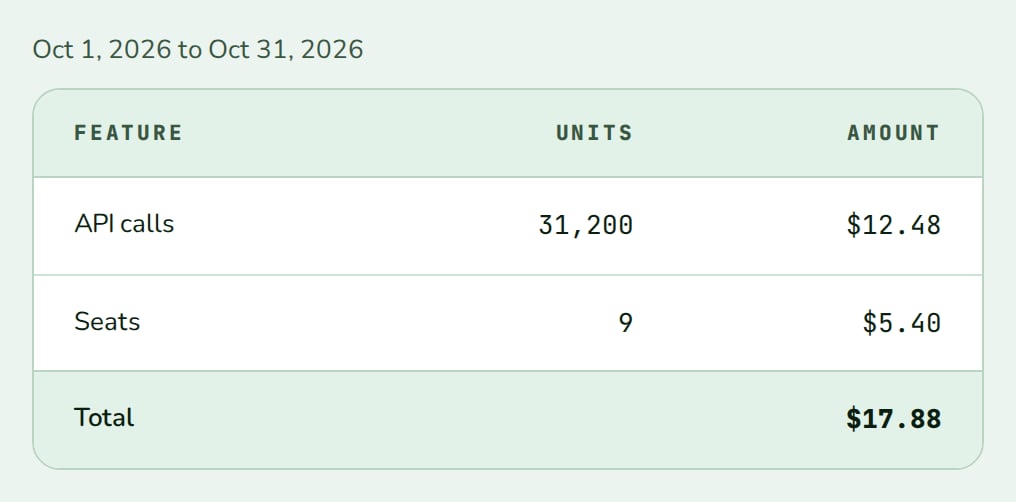
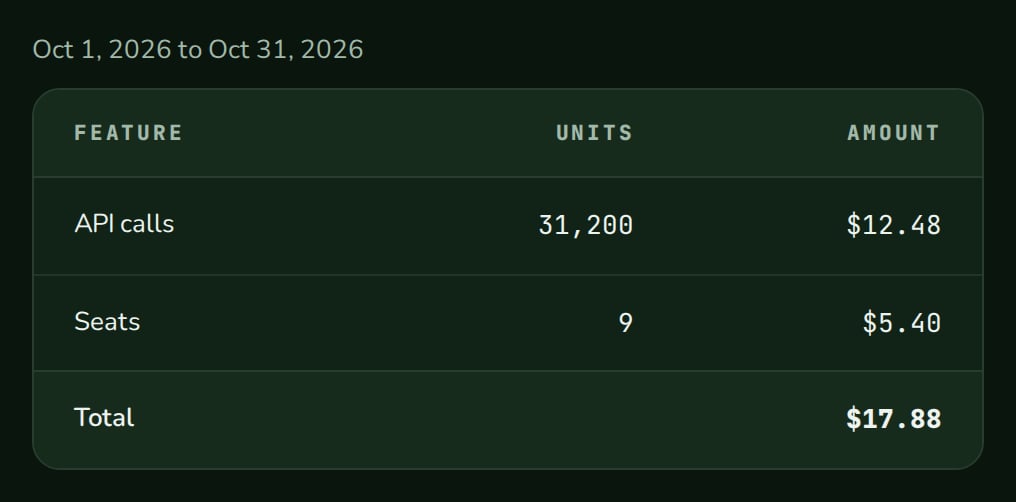
UsageBreakdown shows one billing period’s usage as a table: each feature’s units and amount, largest amount first, and the period total. From React 0.11.0.
When to use
- A “Usage this period” section of your billing settings.
- Next to
CurrentPlan, to explain the next invoice. - Any place that needs the period’s dates, one row per charge and a total row.
- Light
- Dark
- Minimal
- Neobrutal
- Nozle
- Nozle Dark
Importing UsageBreakdown
Rendering UsageBreakdown
Inside aBillingProvider with billingEndpoint, read the current period with useUsage and pass it in:
app/billing/usage/page.tsx
en-US (“Oct 1, 2026 to Oct 31, 2026”).
Data
usage is the customer_usage object of Core’s current-usage endpoint. Amounts are in cents; units is a decimal string.
Full example data
Full example data
Live data
Inside aBillingProvider with billingEndpoint, useUsage() reads the current period for the signed-in customer. Its data passes to usage directly:
GET https://api.nozle.app/core/api/v1/customers/{external_customer_id}/current_usage on your backend with a secret key and pass its customer_usage. Add external_subscription_id when the customer has more than one subscription.
Examples
Loading, empty and error
isLoading shows a loading placeholder, a period without charges shows emptyMessage, and error shows the message as an alert.

API reference
CustomerUsageData | null
The period:
from_datetime, to_datetime, currency, amount_cents and charges_usage. Without charges it shows the empty message.boolean
default:false
Shows a loading placeholder.
Error | string | null
Shows the message as an alert. Defaults to
null.string
default:"No usage in this period yet."
Shown when there is no usage.
Appearance
Theme, variables and element overrides. Defaults to the provider’s. See Appearance.
States
Appearance
Element keys
Element keys
usageBreakdown (root), usageBreakdown__row (each charge row).Style them with appearance.elements. See Elements.Related
UsageTrend
Past periods as bars.
UsageDashboard
Usage against limits.