
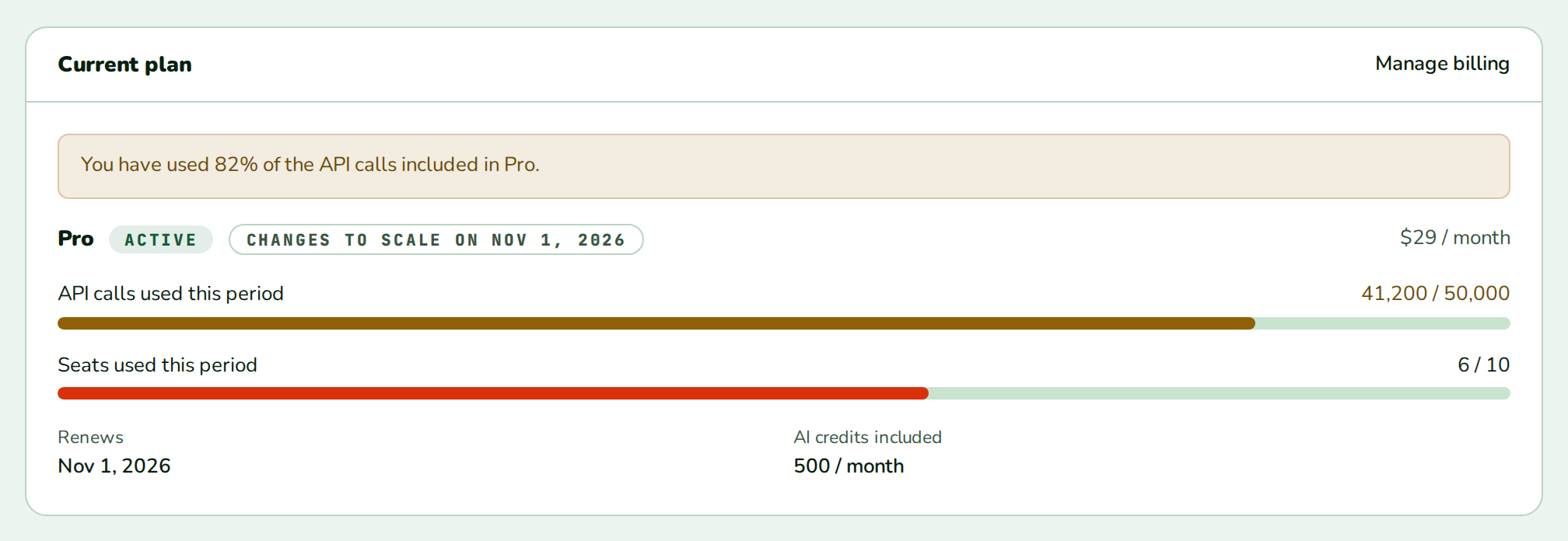
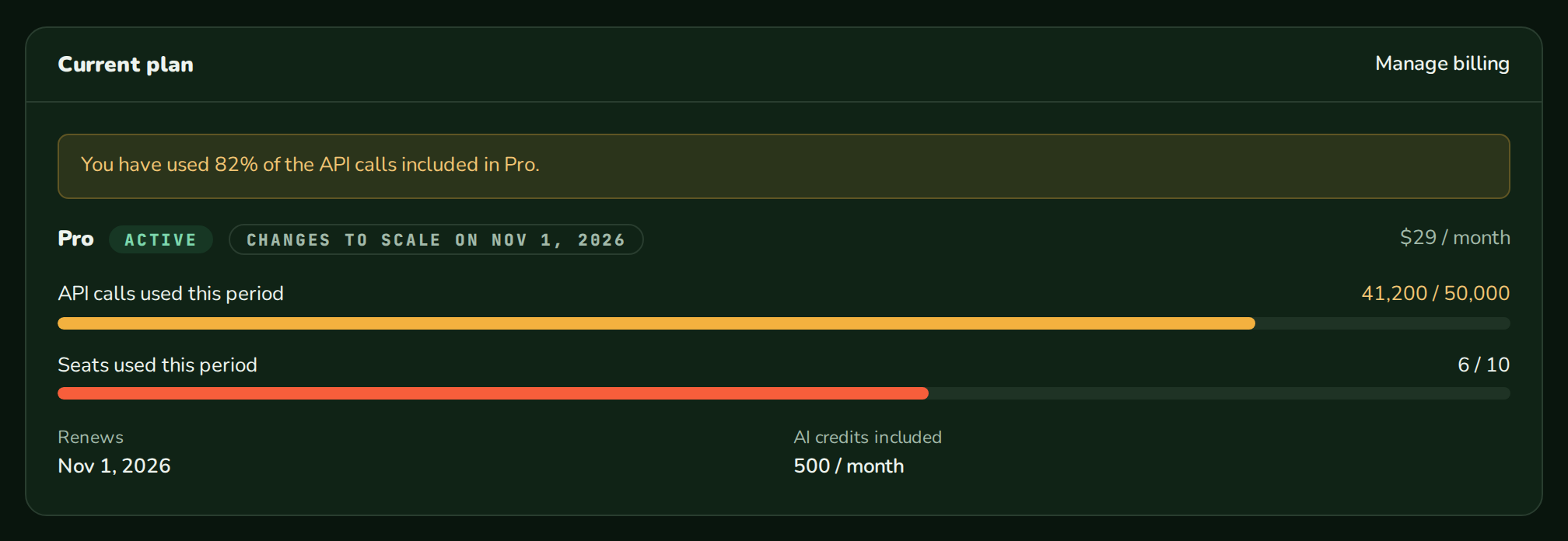
CurrentPlan shows the customer’s subscription in one card, read through your billingEndpoint or from data you pass. From React 0.11.0.
When to use
- The top of your billing settings page.
- A dashboard card that links to plan changes or the billing portal.
- Showing usage against the plan’s metered limits next to the plan itself.
- Warning the customer about an overdue invoice or a nearly used limit.
- Light
- Dark
- Minimal
- Neobrutal
- Nozle
- Nozle Dark
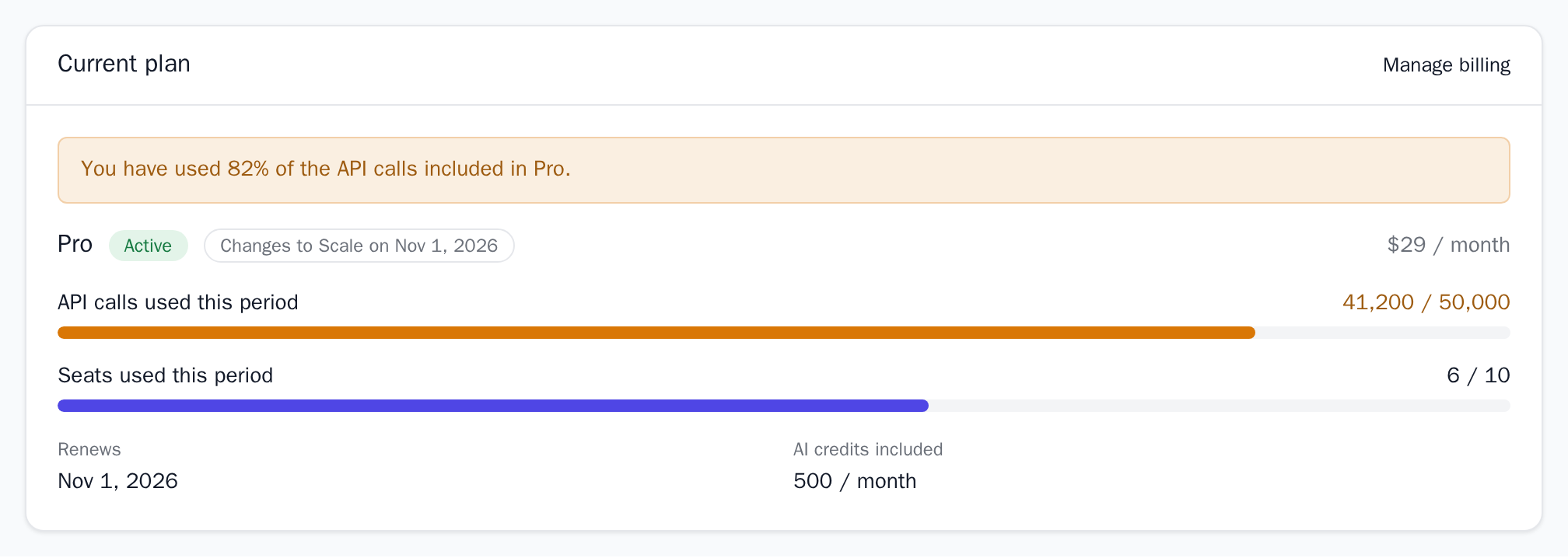
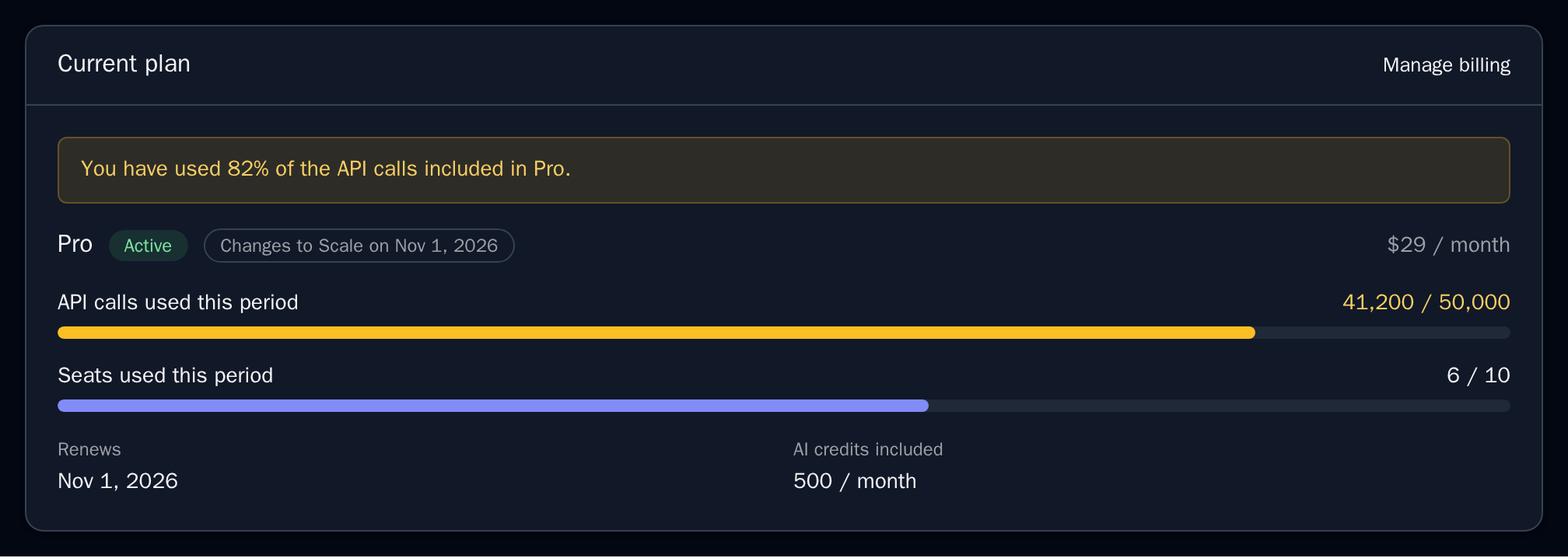
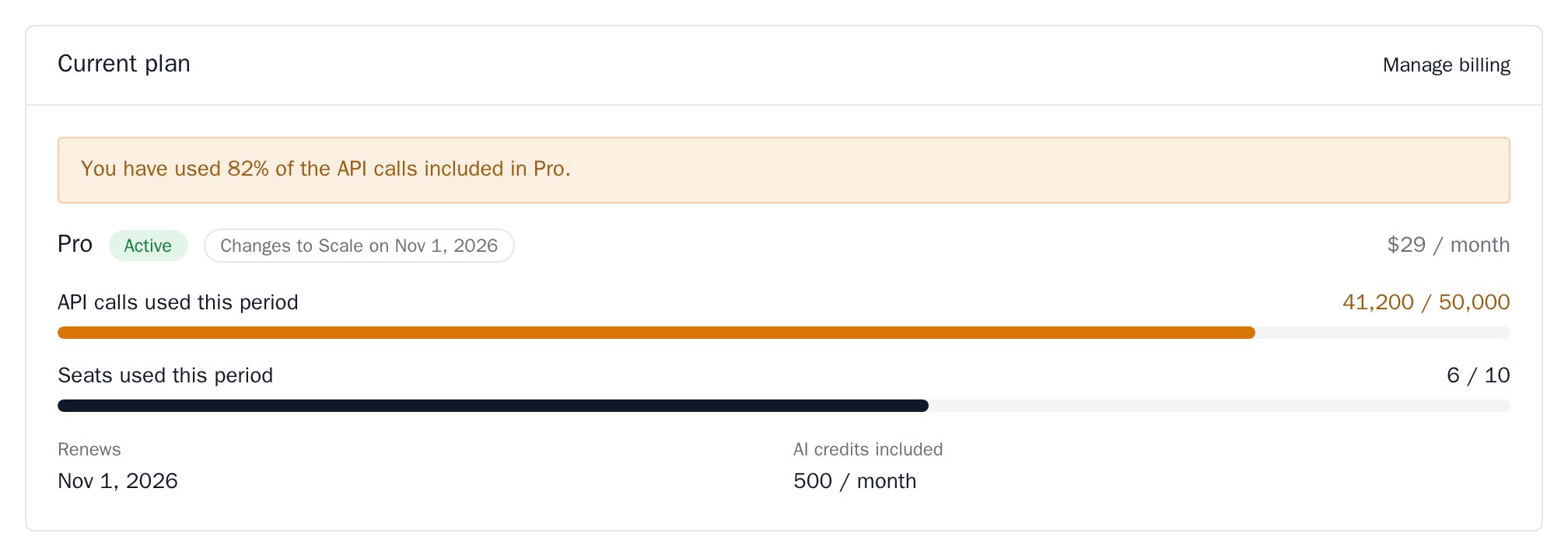
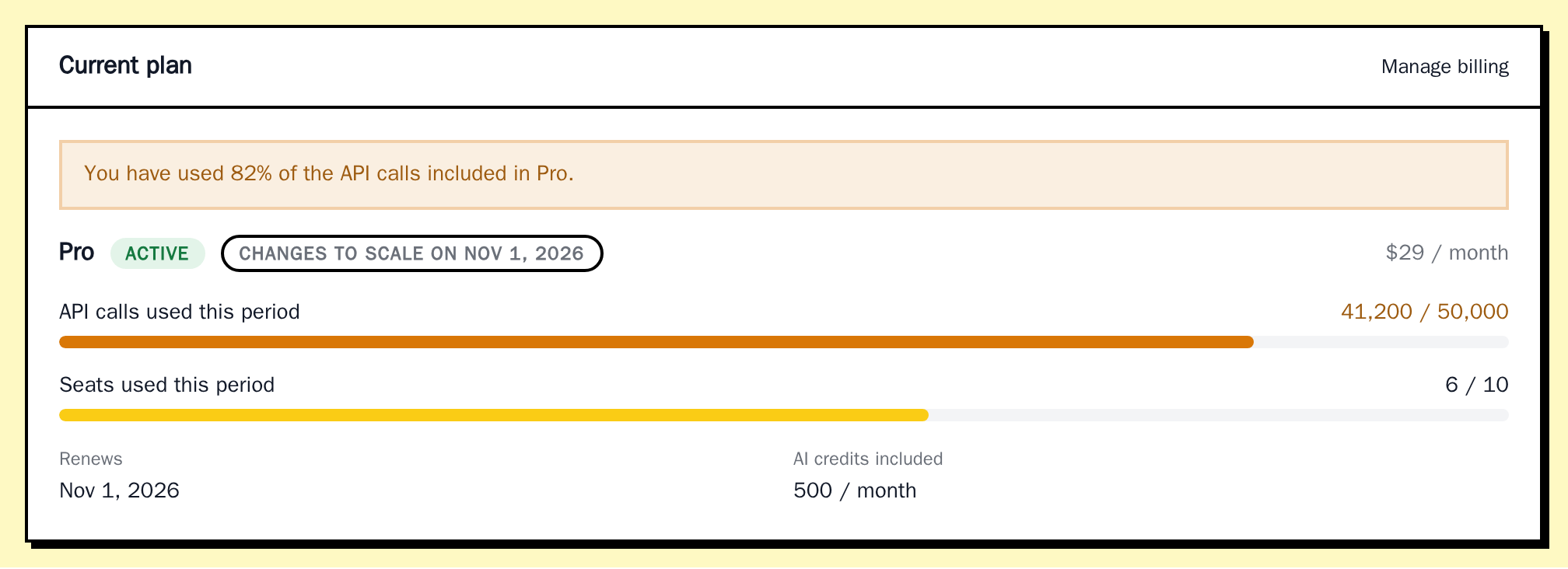
Importing CurrentPlan
Rendering CurrentPlan
Inside aBillingProvider with billingEndpoint, the card reads the subscription, the plan’s limits and this period’s usage itself:
app/settings/billing/page.tsx
Data
Passsubscription (the shape useSubscription returns) and usage to render your own data:
Full example data
Full example data
Live data
Leavesubscription out and, inside a BillingProvider with billingEndpoint, CurrentPlan reads:
- the subscription with
useSubscription, - the plan’s metered limits from the public catalog with
usePlans, - this period’s units with
useUsage, joined to the limits by feature code.
billingEndpoint with createBillingHandler from @nozle-js/node; see Serve the hooks from your backend.
Without
subscription, CurrentPlan needs BillingProvider with billingEndpoint, or it throws “Billing hooks need BillingProvider billingEndpoint, a backend route served by createBillingHandler”.Meters from your own data
currentPlanMeters(entitlements, usage) joins a plan’s metered entitlements with a period’s charges_usage and returns usage rows:
Examples
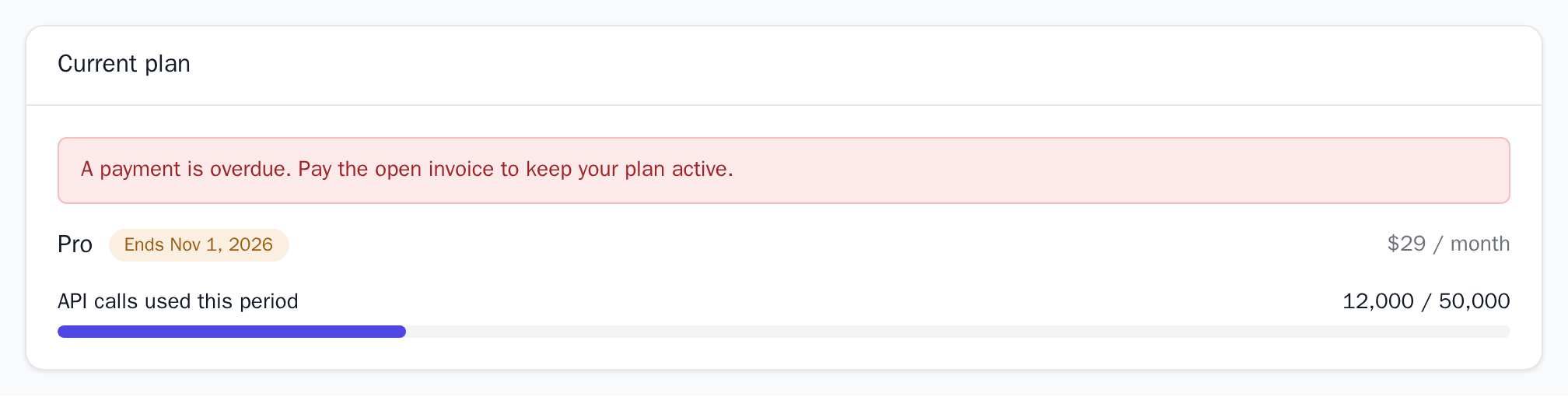
Overdue and ending
past_due: true shows pastDueMessage as an alert, and ending_at turns the label into “Ends <date>” for a subscription cancelled at the end of its period.
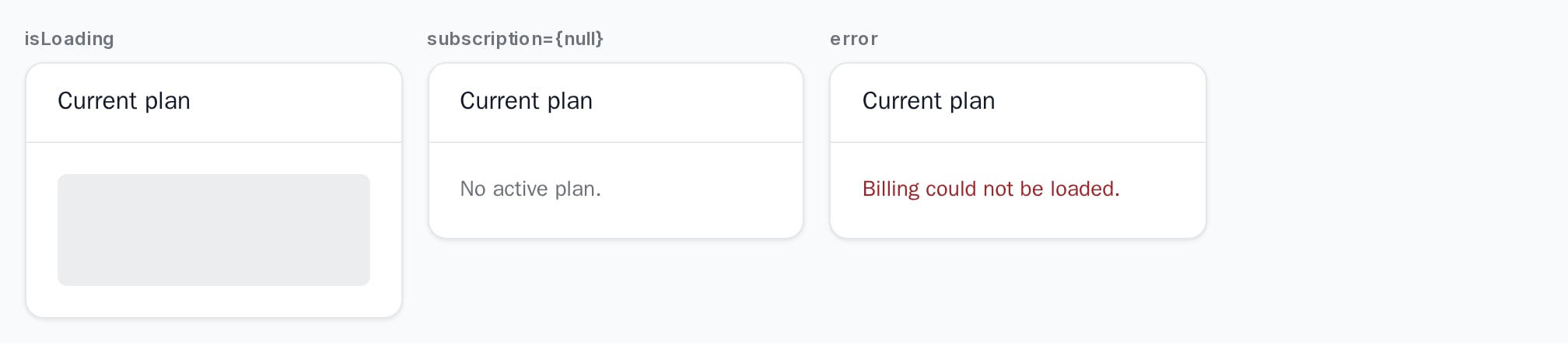
Loading, empty and error
isLoading shows a placeholder, subscription={null} shows emptyMessage, and error shows its message as an alert.
API reference
BillingSubscription | null
The subscription, plan,
ending_at, scheduled change and past_due. null shows the empty message. Defaults to the subscription read through billingEndpoint.UsageDashboardFeature[]
One meter per row:
{ key, label, used, limit }. limit: null shows “Unlimited”. Each meter is labelled “<label> used this period”. Defaults to the plan’s metered limits joined with this period’s units.CurrentPlanDetail[]
Extra
{ label, value } rows under the meters, for example a renewal date. value can be any React node.ReactNode
Shown on the right of the header, for example a link to the billing portal.
number | null
default:80
A meter at or above this percentage shows “You have used N% of the <label> included in <plan>.”
null turns these notices off.string
Shown as an alert when
past_due is true.string
default:"Current plan"
The header text.
string
default:"No active plan."
Shown when there is no subscription.
boolean
default:false
Shows a loading placeholder.
Error | string | null
default:null
Shows the message as an alert.
string
default:"en-US"
Formats the dates.
Appearance
Theme, variables and element overrides on top of the provider’s. See Appearance.
States
The status label depends on the subscription:
Another status is shown as sent.
The card shows Powered by Nozle.
Appearance
Element keys
Element keys
currentPlan (root), currentPlan__name, currentPlan__status, currentPlan__price, currentPlan__scheduled, currentPlan__notice, currentPlan__usage, currentPlan__details. The meters take the UsageMeter elements.Style them with appearance.elements. See Elements.Related
UsageDashboard
Usage meters on their own.
PlanChangeControl
Lets the customer change the plan.
PlanBadge
The plan name as a small badge.
BillingPortal
Subscriptions, invoices and billing details.