
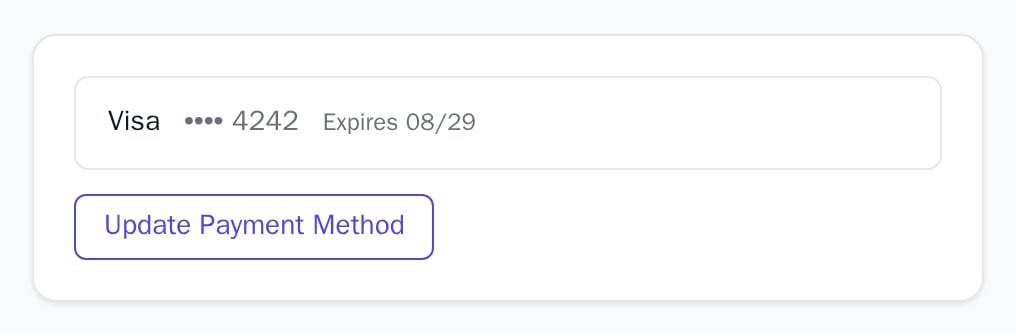
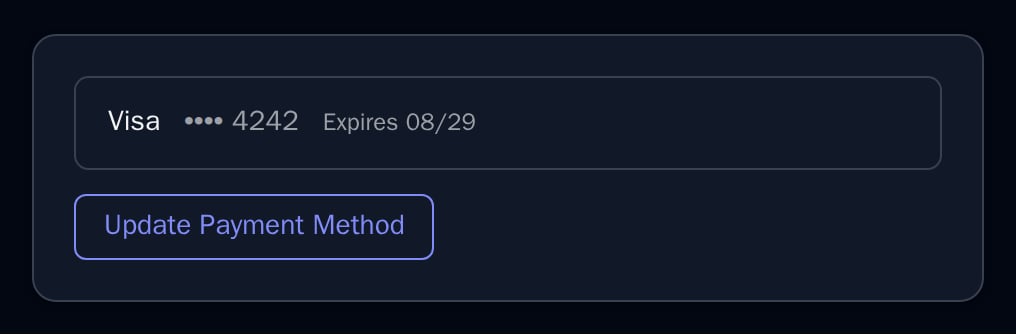
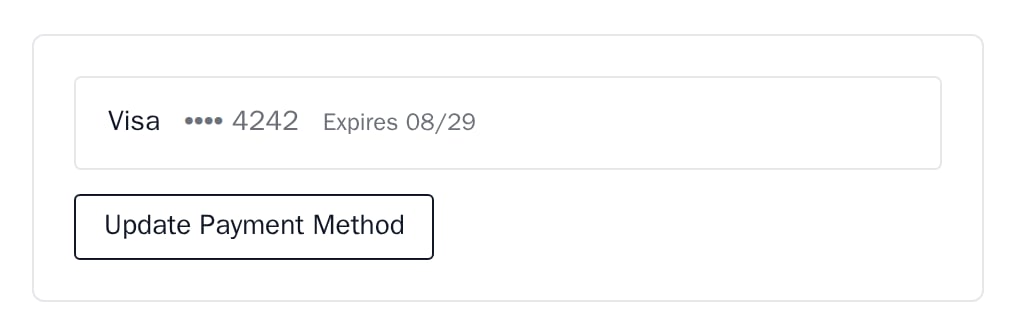
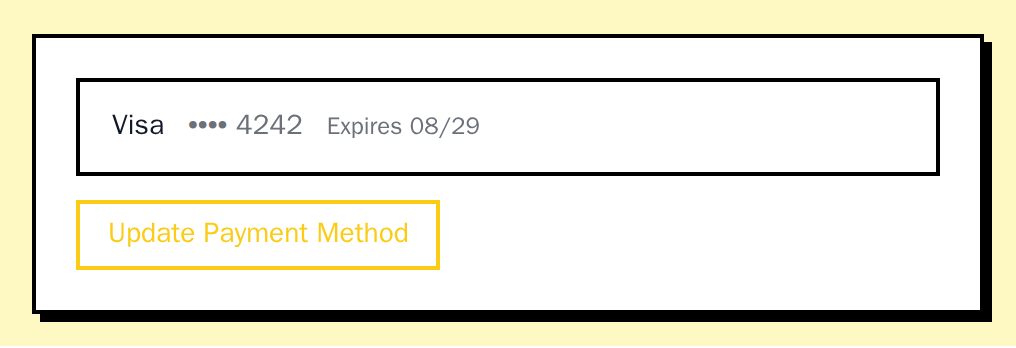
PaymentMethodDisplay shows one saved payment method you pass and an “Update Payment Method” button.
When to use
- The payment section of your billing settings page.
- Next to a past-due notice, so the customer can fix the card.
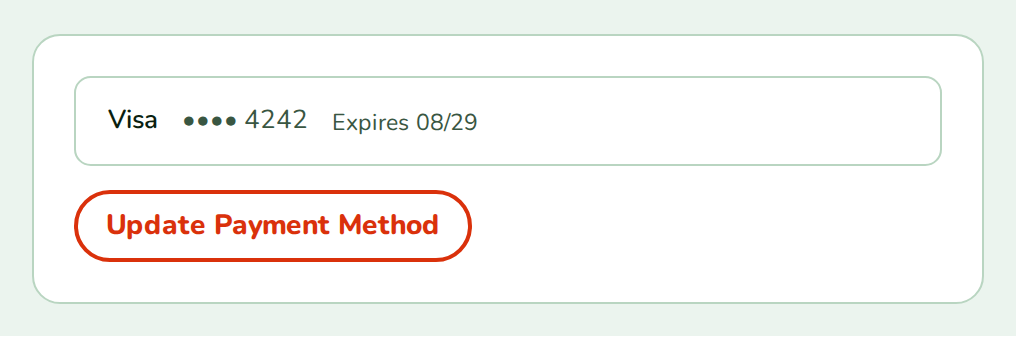
- Light
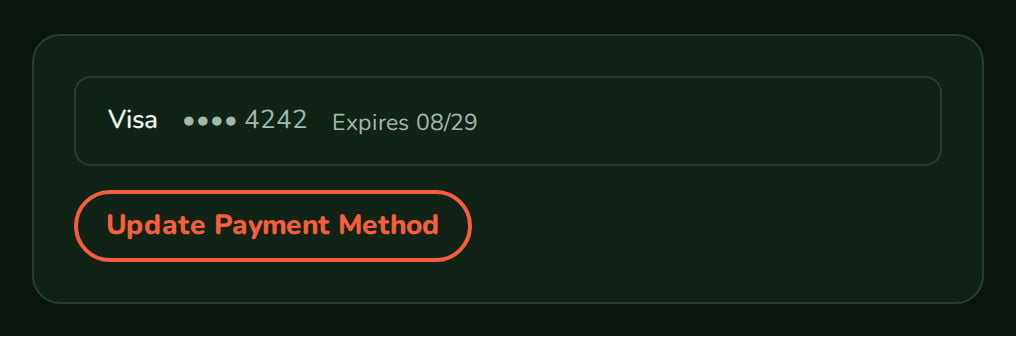
- Dark
- Minimal
- Neobrutal
- Nozle
- Nozle Dark
Importing PaymentMethodDisplay
Rendering PaymentMethodDisplay
Pass the card and a handler for the update button:components/saved-card.tsx
•••• 4242 and Expires 08/29. visa, mastercard, amex, discover, jcb, diners and unionpay get readable names; another brand shows as sent.
Data
The component does not read the card; you pass aPaymentMethod with brand, last4, expMonth and expYear.
Live data
No Nozle hook returns the saved payment method. Read it on your backend from your payment provider for the signed-in customer, and pass it in:Examples
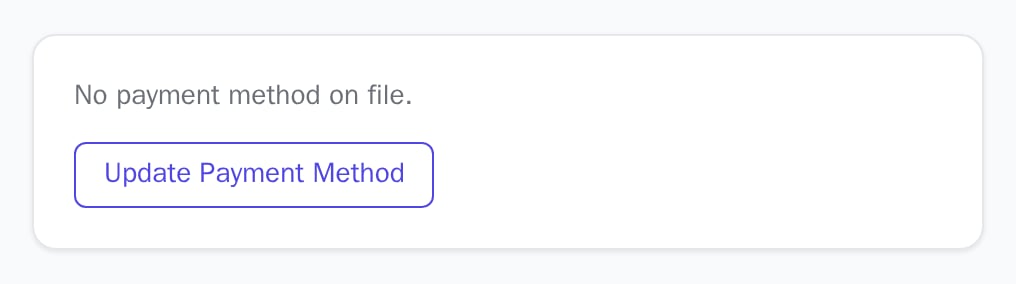
No payment method
WithoutpaymentMethod, the component shows “No payment method on file.” and the update button.
API reference
PaymentMethod
brand, last4, expMonth and expYear of the card. Without it the component shows “No payment method on file.”() => void
Fires when “Update Payment Method” is clicked.
string
default:"/billing/update-payment"
Without
onUpdatePaymentMethod, the button opens this URL in the same window.Appearance
Theme, variables and element overrides on top of the provider’s. See Appearance.
States
Appearance
Element keys
Element keys
paymentMethod (root).Style them with appearance.elements. See Elements.Related
CurrentPlan
Shows the overdue payment alert.
BillingPortal
Invoices and billing details for the customer.