
BillingPortal renders a full customer billing page inside your app, read from Nozle with a short-lived, customer-scoped session that your backend issues.
When to use
- A “Billing” page in your app’s settings.
- A link from
CurrentPlan(“Manage billing”). - Self-service for subscriptions, wallets, billing information and invoices in one place.
BillingProvider or Tailwind for it.
- Light
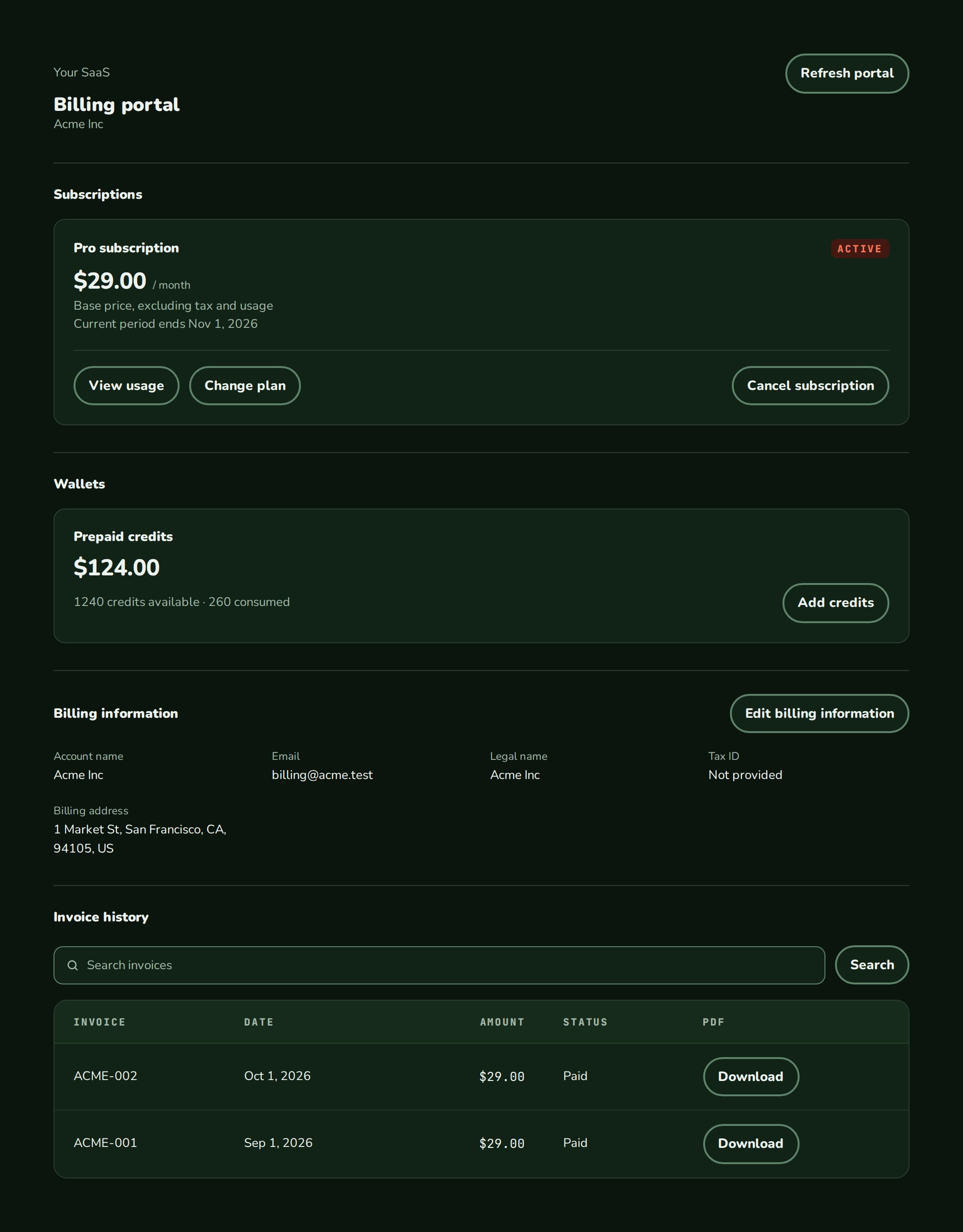
- Dark
- Minimal
- Neobrutal
- Nozle
- Nozle Dark
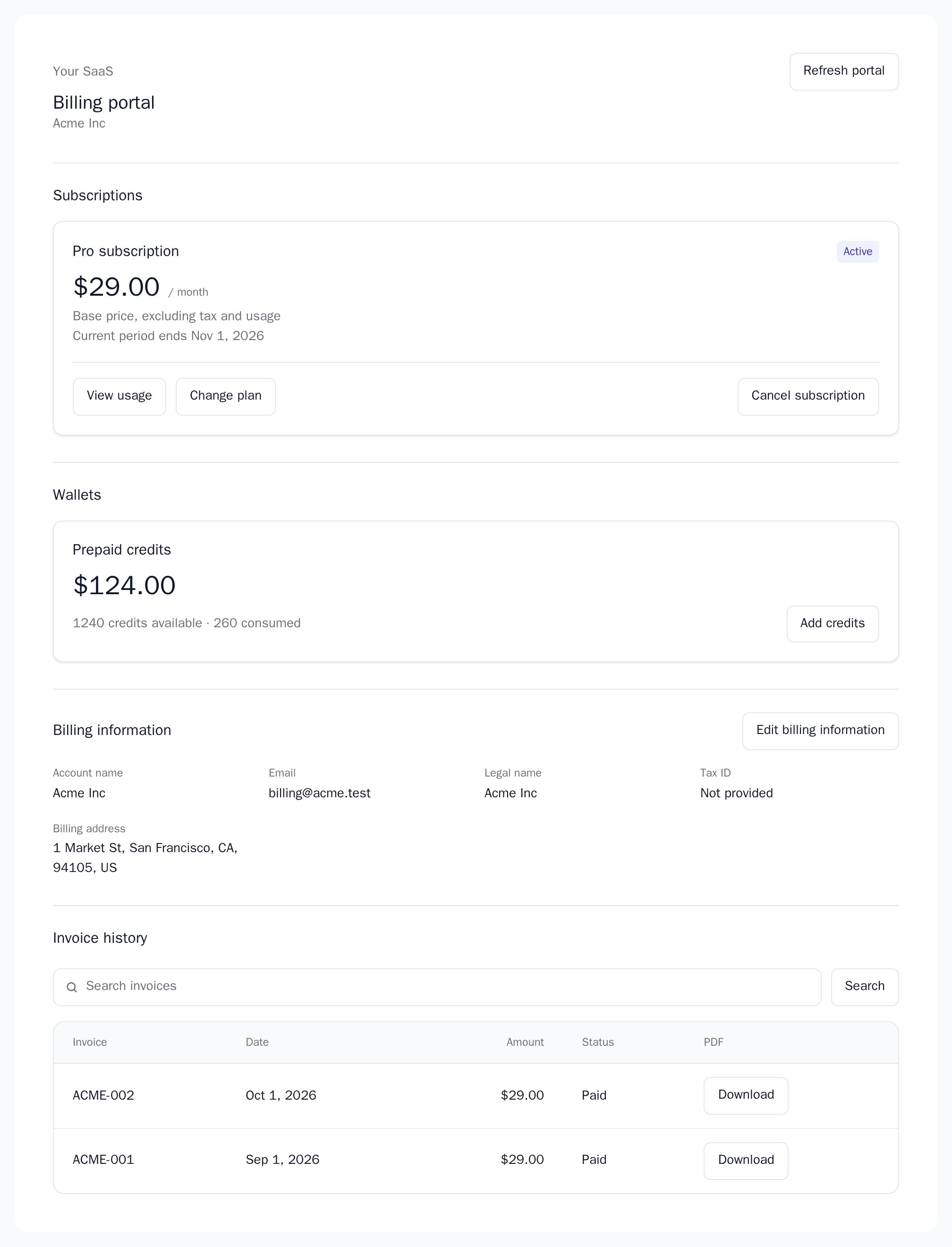
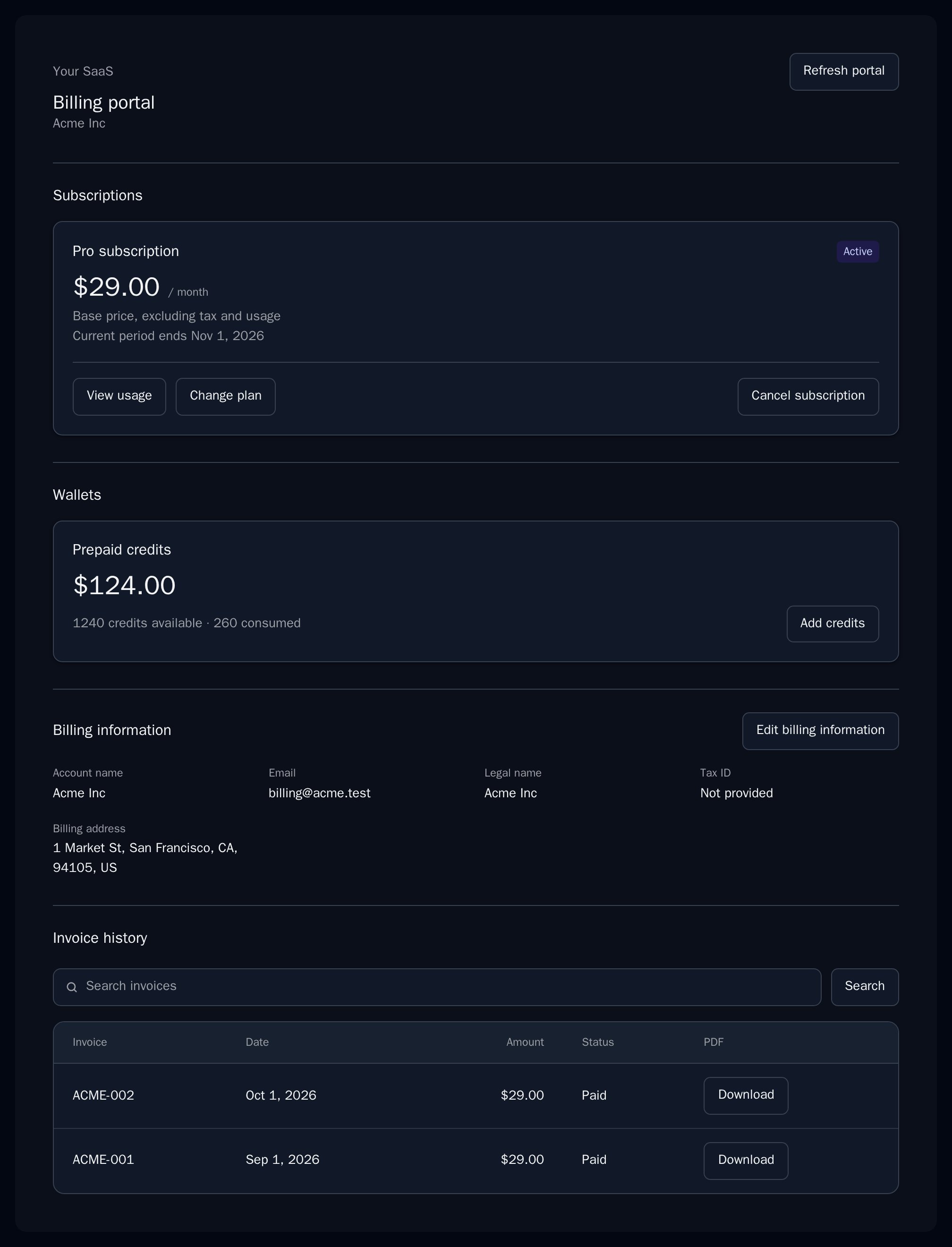
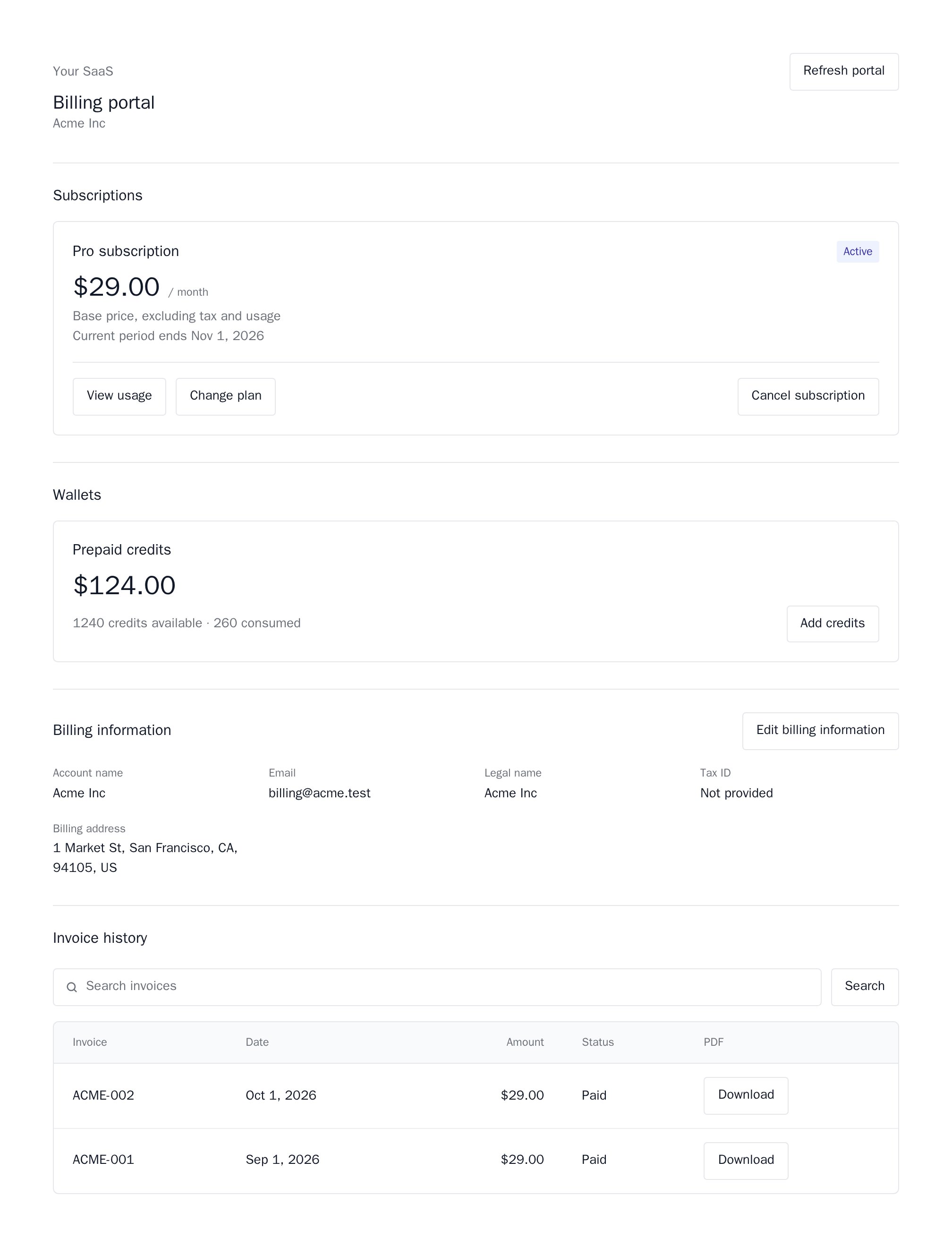
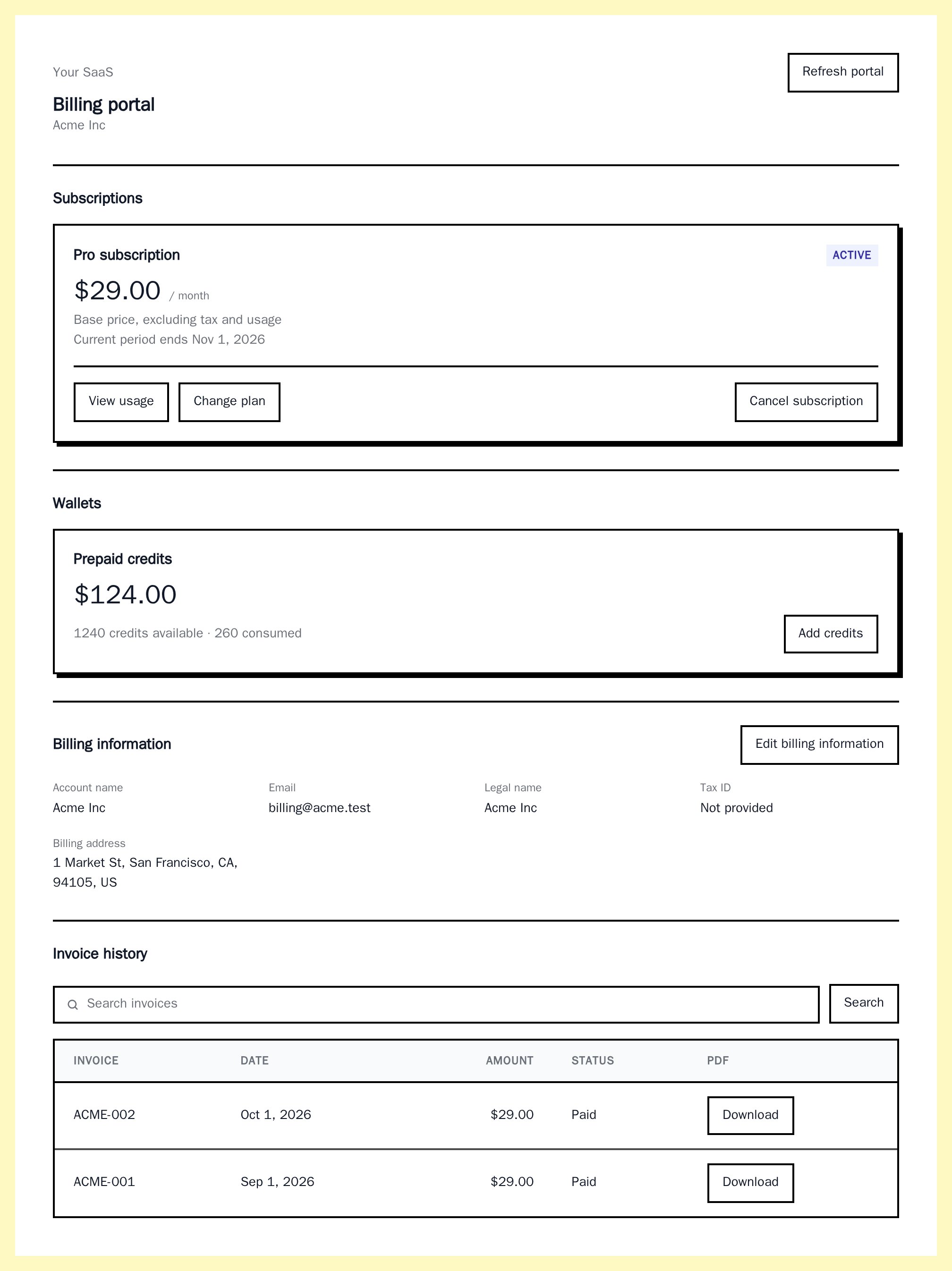
Importing BillingPortal
Rendering BillingPortal
createSession asks your backend for a portal session:
app/settings/billing/page.tsx
createSession shows as a session error. Keep createSession stable across renders: a new function starts a new session. Change key when the signed-in account changes.
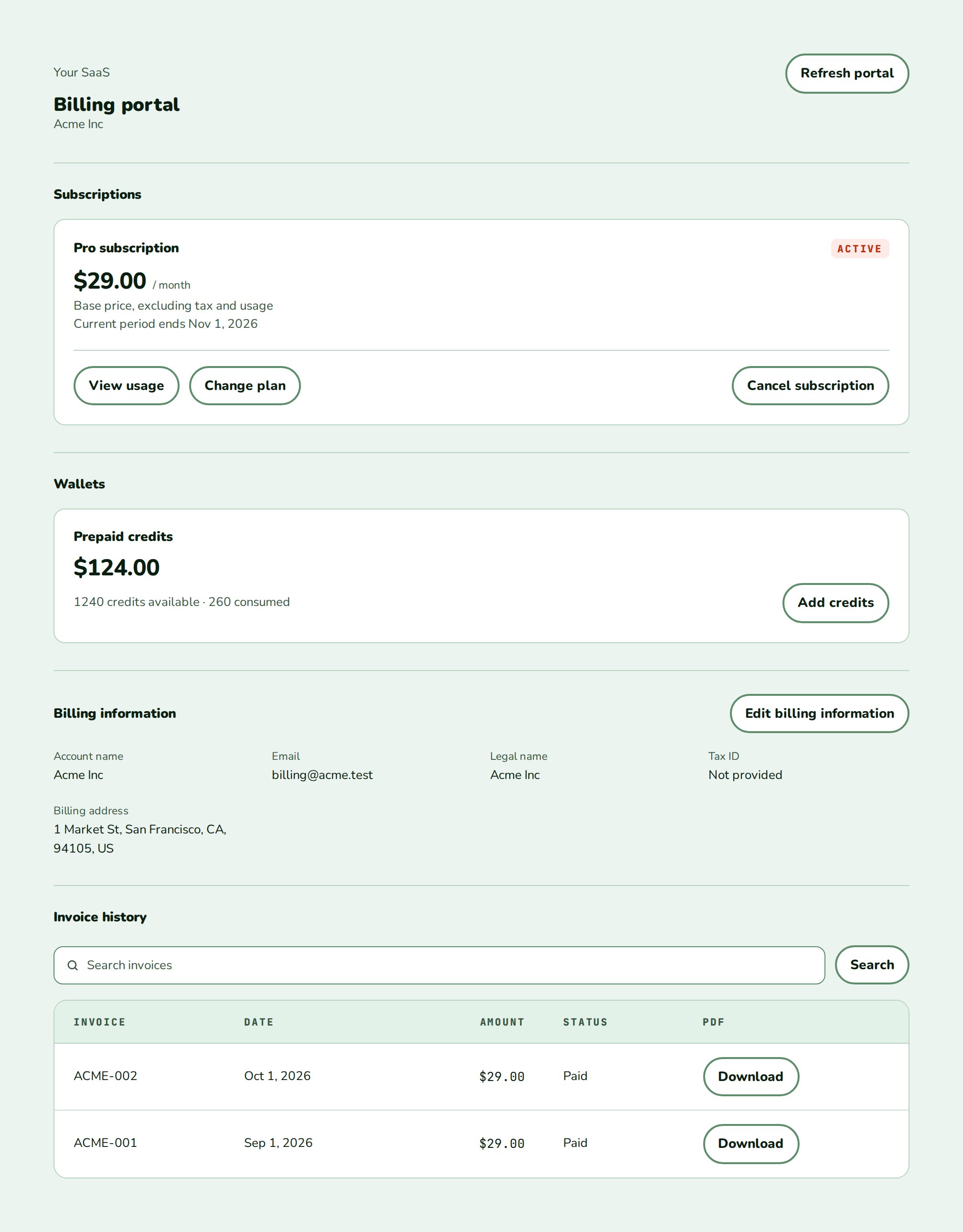
What the portal shows
- Subscriptions with status, price, current period and usage details.
- Wallets with their balance and a top-up form.
- Billing information with an edit form.
- Invoice history with search, pages and PDF downloads.
Data
createSession returns a BillingPortalSession: { token, apiUrl }. The portal reads everything else itself.
Live data
Your backend issues the session. It reads the customer’s portal URL from Core (GET /api/v1/customers/{external_id}/portal_url) with your secret key, takes the token from it, and returns { token, apiUrl }. The portal then reads subscriptions, usage, wallets and invoices from Core’s customer-portal GraphQL with that token. Billing portal and self-service shows the backend step and the plan-change and cancellation adapters.
Examples
Plan changes and cancellation
WithplanChangeActions and cancellationActions, each subscription shows PlanChangeControl and CancellationControl.
API reference
({ signal }: { signal: AbortSignal }) => Promise<BillingPortalSession>
required
Fires on mount, on “Reconnect” and on “Refresh portal”, and receives an
AbortSignal. Returns { token, apiUrl? }. apiUrl is the Core base URL without /graphql and defaults to https://api.nozle.app/core. The token stays in memory.PlanChangeActions
Shows
PlanChangeControl on each subscription. Without it there are no plan changes.CancellationActions
Shows
CancellationControl on each subscription. Without it there is no Cancel or Keep.string
default:"en-US"
Formats amounts and dates. The text is English.
(error: BillingPortalError) => void
Fires when a request fails and receives a
BillingPortalError whose code is session, unauthorized, request or changed. The message never contains the token or response details.string
default:""
Class names on the root, after
nozle-billing-portal.CSSProperties
Inline styles on the root.
string
CSP nonce for the portal’s
<style> elements.Appearance
Theme, variables and element overrides on top of the provider’s, also applied to the controls and dialogs inside. The older
--nozle-portal-* variables still work. See Appearance.States
The portal shows Powered by Nozle when its session says to.
Appearance
Element keys
Element keys
billingPortal (root), billingPortal__section, billingPortal__card (subscription and wallet cards), billingPortal__table (usage and invoice tables), billingPortal__error.Style them with appearance.elements. See Elements.Related
Billing portal and self-service
Session, adapters and runnable backends.
PlanChangeControl
Plan changes on your own page.
CancellationControl
Cancel and Keep on your own page.
CurrentPlan
A compact plan summary.