
UpgradeModal is the confirmation dialog behind UpgradeButton, for when your page owns the open state or confirms a billing action with your own onSubmit.
When to use
- A plan change confirmation opened from your own button or menu.
- A confirm step that shows a quote you read with
useUpgradePreview. - Any confirm-then-call flow on a billing page, without
BillingProvider, throughonSubmit.
- Light
- Dark
- Minimal
- Neobrutal
- Nozle
- Nozle Dark
Importing UpgradeModal
Rendering UpgradeModal
Keep the open state yourself and close the dialog in its callbacks. WithoutonSubmit, confirm calls createCheckout on BillingProvider:
components/upgrade-flow.tsx
What a confirm does
WithonSubmit, confirm runs your action. Without it, confirm calls createCheckout with the plan code, return URL and the subscriptionId, quoteId and idempotencyKey you pass, then handles the result:
- a Stripe client secret goes to
onStripeClientSecret, thenonCheckoutStartedfires, - a completed change or a captured Razorpay payment fires
onCompleted, - a
scheduledresult firesonScheduled, - a
processingresult shows “Payment is processing. Confirmation may take a little while.” in the dialog.
onConfirm fires after confirm finished without an error, by either path. See checkout result types.
Data
preview holds the amounts in major units (dollars, not cents), with separate credit and debit:
Live data
The quote fromuseUpgradePreview is in minor units, so show it as children and pass its quote_id:
Examples
Proration amounts
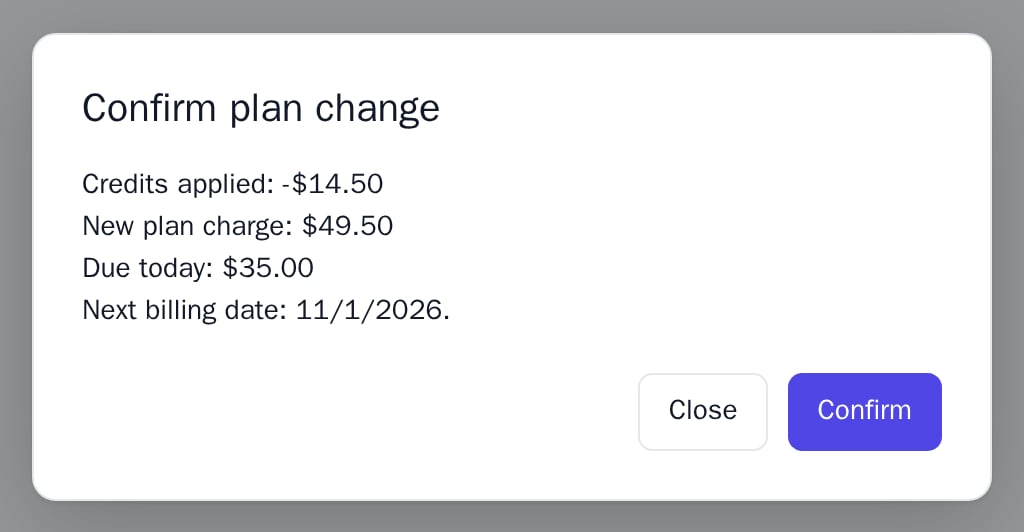
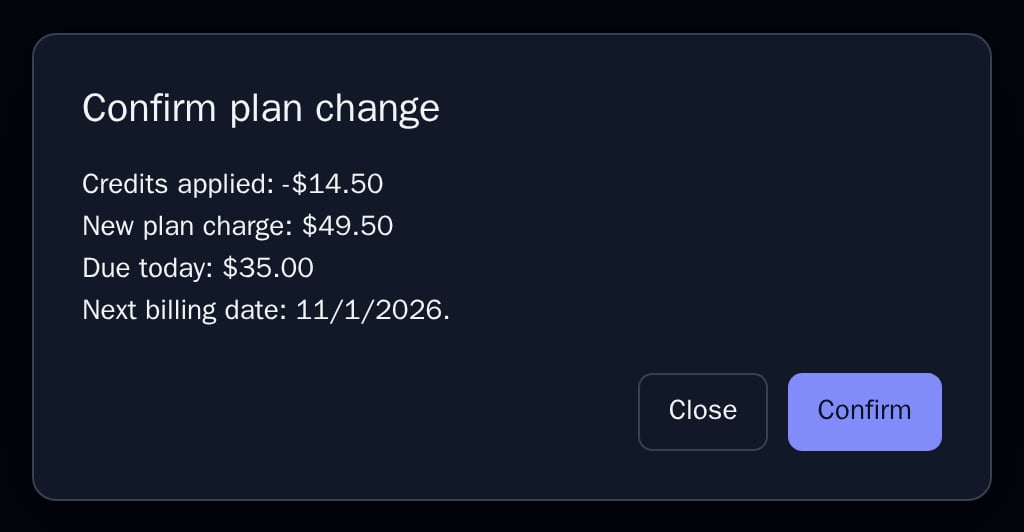
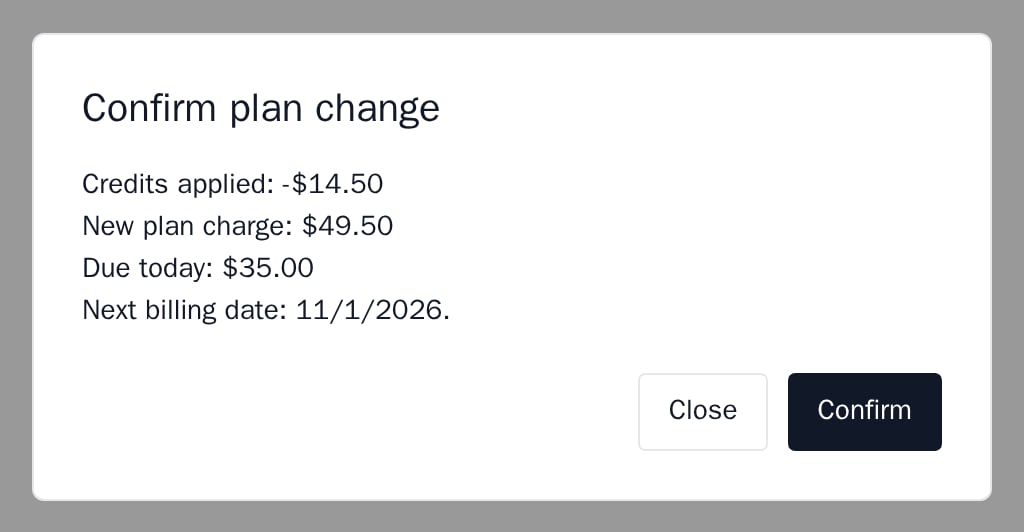
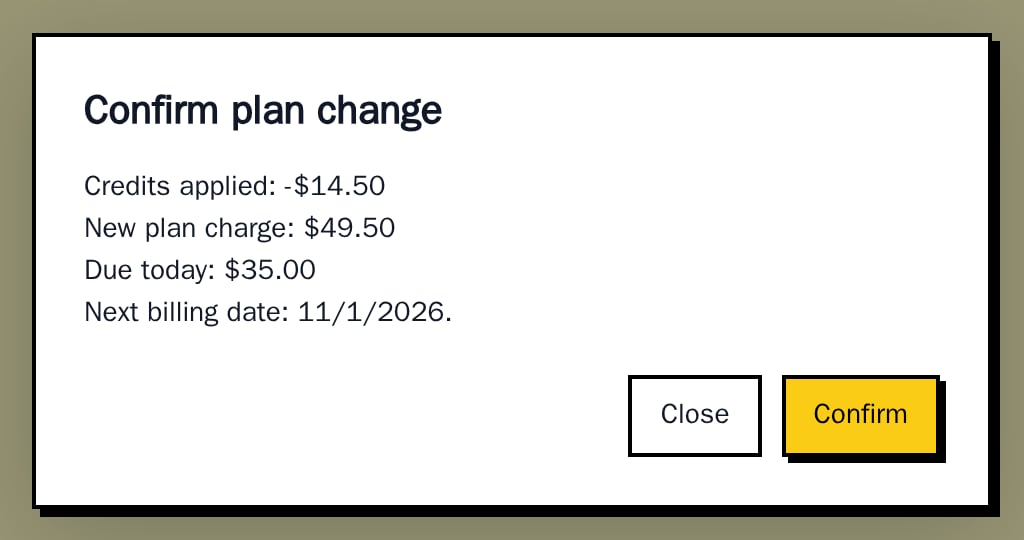
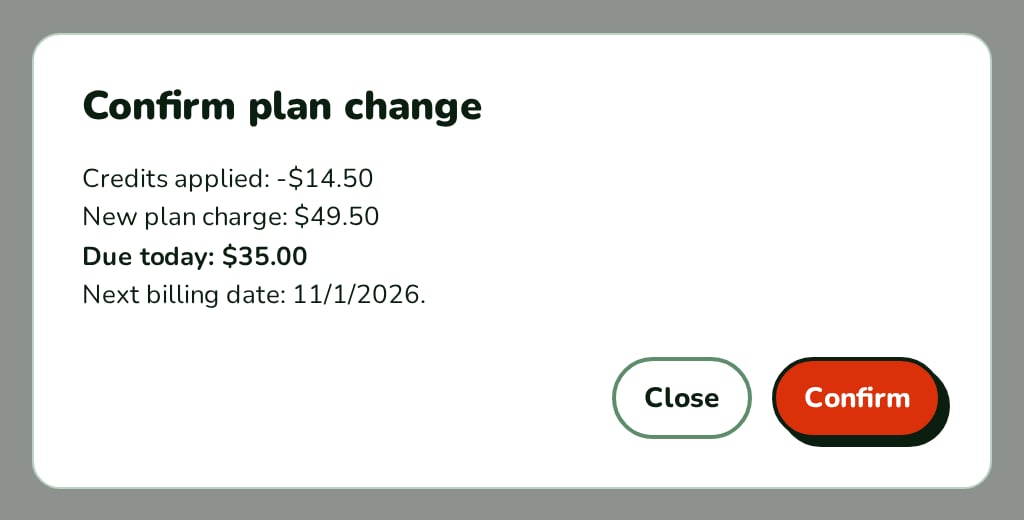
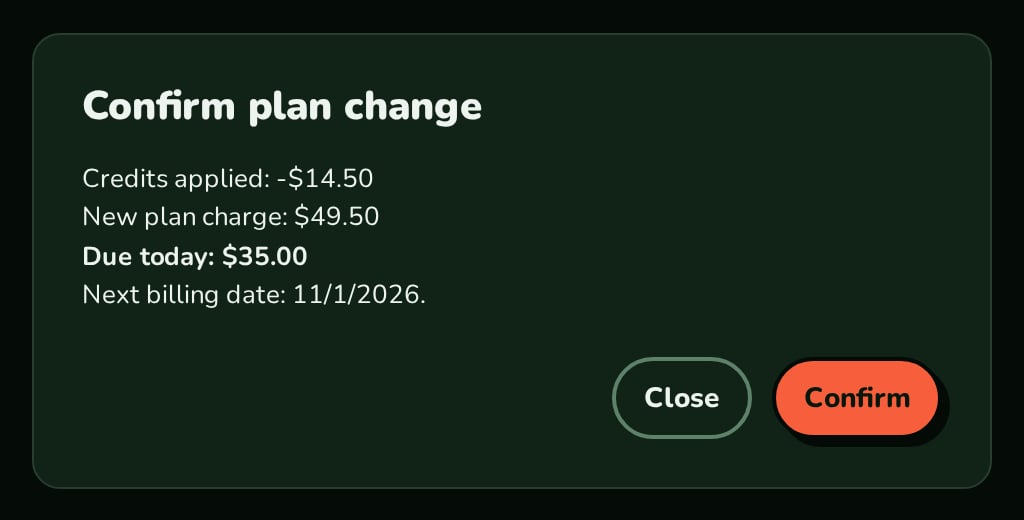
Withpreview, the dialog lists credits applied, the new plan charge, the amount due today and the next billing date.
Your own submit action
WithonSubmit, the dialog runs your action instead of createCheckout and needs no BillingProvider.
Back button
onBack shows a Back button on the left of the actions, for a step that has a previous step.
API reference
boolean
required
Shows the dialog. When
false nothing renders.string
required
The plan sent to
createCheckout.() => void
Fires when the Close button is clicked or Escape is pressed (not while busy). Close the dialog here.
string
default:"Confirm plan change"
The dialog title.
string
default:"Confirm"
Text of the confirm button. While busy it reads “Checking subscription…”.
boolean
default:false
Disables the confirm button.
boolean
default:false
Marks the dialog busy from outside: buttons disabled, Escape ignored.
ProrationPreview
Amounts in major units:
credit (shown as “Credits applied” only when above 0), debit (“New plan charge”), net (“Due today”), nextBillingDate (an ISO date) and currency (defaults to USD).ReactNode
Content below the amounts.
string
Formats the amounts and the next billing date. Without it the amounts use
en-US and the date uses the browser’s locale.() => Promise<void>
From React
0.10.0. Your action for the confirm button. When set, createCheckout is not called and BillingProvider is not needed. A rejection shows its message.string
Sent to
createCheckout. Not sent when left out.string
Sent to
createCheckout. Not sent when left out.string
Sent to
createCheckout. Not sent when left out.string
Sent to
createCheckout. Defaults to the current URL.(clientSecret: string) => void
Fires for an embedded Stripe checkout and receives its client secret.
() => void
Fires after the Stripe client secret was handed over.
() => void
Fires when the change completed, or a Razorpay payment was captured.
() => void
Fires for a
scheduled result.() => void
Fires after confirm finished without an error, by either path.
() => void
Shows a Back button on the left of the actions and fires when it is clicked.
(error: Error) => void
Fires when confirm fails and receives the error. The dialog shows the message.
string
CSP nonce for the dialog’s
<style> element.Appearance
Theme, variables and element overrides. Defaults to the provider’s. See Appearance.
States
The dialog shows Powered by Nozle, unless it is inside another component that already shows it.
Appearance
Element keys
Element keys
upgradeModal (the backdrop, also class nozle-upgrade-modal), upgradeModal__dialog, upgradeModal__actions.Style them with appearance.elements. See Elements.Related
UpgradeButton
A button that opens this dialog.
PlanChangeControl
Uses this dialog for its plan list and quote.