
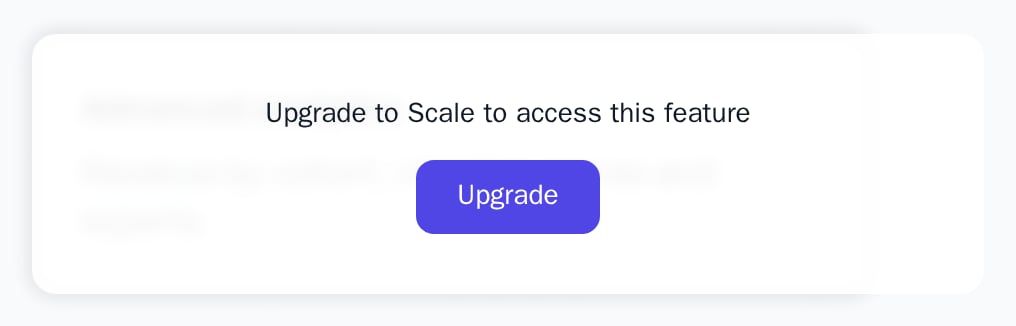
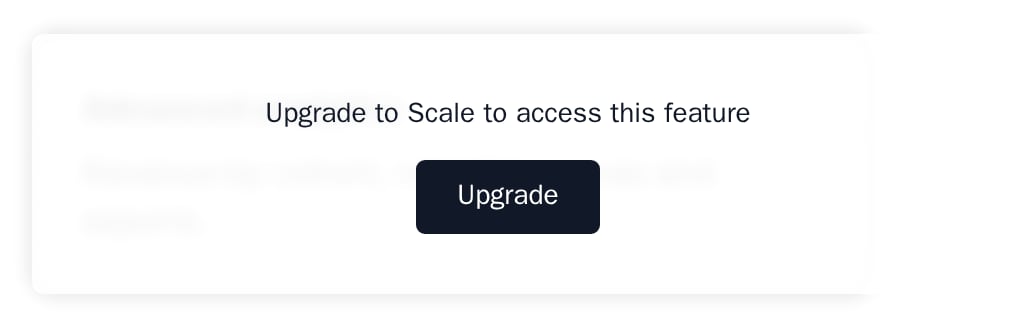
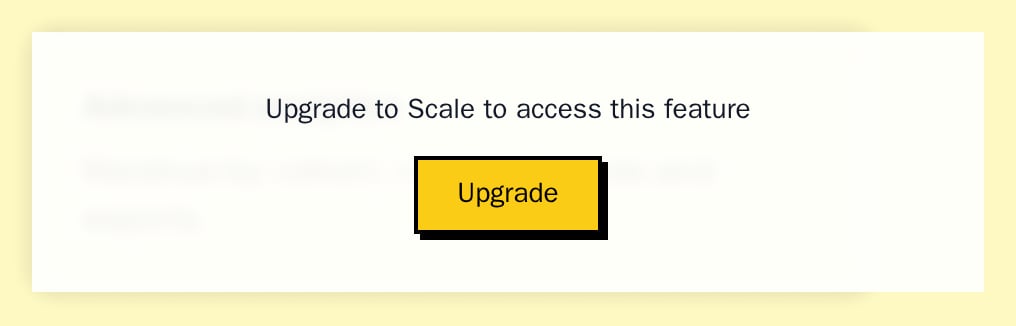
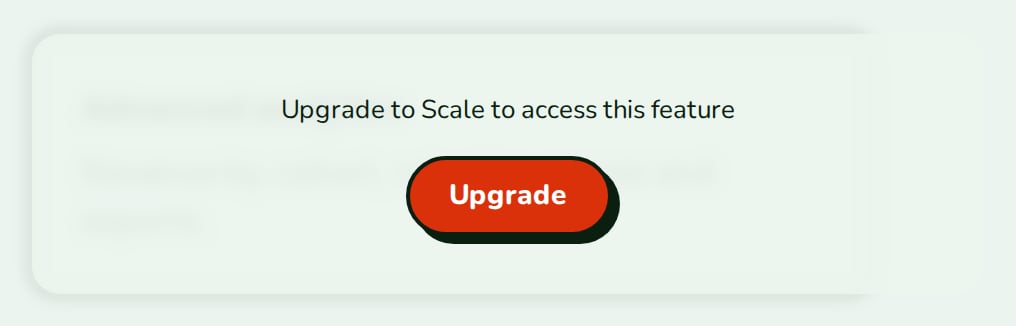
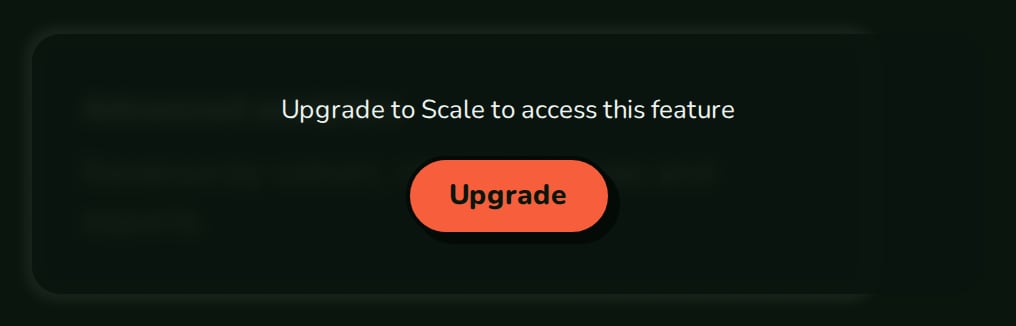
LockedOverlay shows a blurred, non-interactive preview of its children with an UpgradePrompt on top.
When to use
- A dashboard widget or report that a higher plan unlocks, so customers see what they would get.
- A settings panel available on another plan.
- Instead of
FeatureGatewhen you want to show the feature blurred rather than hide it.
- Light
- Dark
- Minimal
- Neobrutal
- Nozle
- Nozle Dark

Importing LockedOverlay
Rendering LockedOverlay
Wrap the content and passlocked. When locked is false the children render as they are, with no wrapper at all.
components/analytics-preview.tsx
What locking does
- The children get a 4px blur, with clicks, selection and screen readers kept out of them.
- A panel covers the content in the theme’s background colour, with the upgrade message and button.
- The panel is a
role="dialog"labelled “Feature locked — upgrade required”. - The root is an
inline-block, sized by its children.
Data
The overlay needs one boolean,locked.
Live data
Lock it from the customer’s entitlement withuseEntitlement:
Examples
Locked with a plan name
upgradePlanName gives the prompt “Upgrade to <plan> to access this feature”.
Your own text
WithoutupgradePlanName, upgradeText is the message.
API reference
boolean
required
true blurs the children and shows the prompt; false renders the children only.ReactNode
required
The content to preview.
string
Passed to
UpgradePrompt as planName: “Upgrade to <plan> to access this feature”.string
Passed to
UpgradePrompt as text, used when upgradePlanName is not set. Defaults to UpgradePrompt’s default, “Upgrade to access this feature”.() => void
Fires when “Upgrade” is clicked. Defaults to opening
/upgrade.Appearance
Theme, variables and element overrides on top of the provider’s, also passed to the prompt. See Appearance.
States
Appearance
Element keys
Element keys
lockedOverlay (root), lockedOverlay__panel, and upgradePrompt for the prompt.Style them with appearance.elements. See Elements.Related
UpgradePrompt
The prompt on its own.
FeatureGate
Hide the feature instead of blurring it.