
PlanGate renders its children when currentPlan is one of allowedPlans, and fallback otherwise.
When to use
- Around a section sold as part of higher plans, when no single entitlement describes it.
- When an allowlist of plan codes, compared exactly, decides access.
FeatureGate with an entitlement when one exists: it keeps working when you add plans. Gates only change what the interface shows. Check access again on your server.
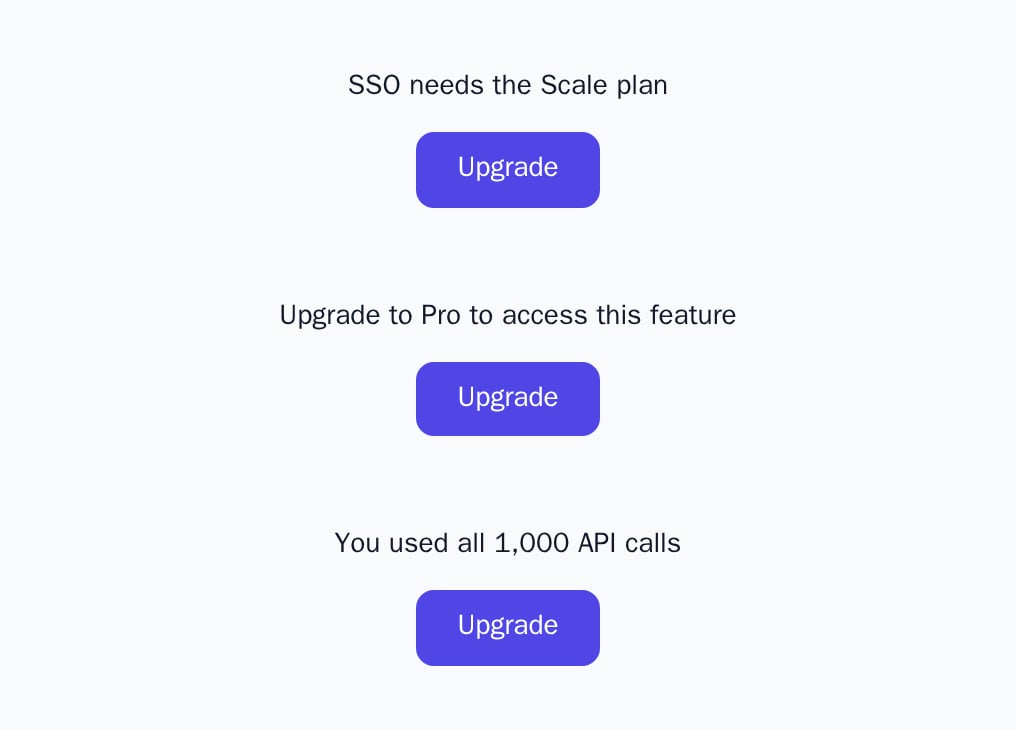
- Light
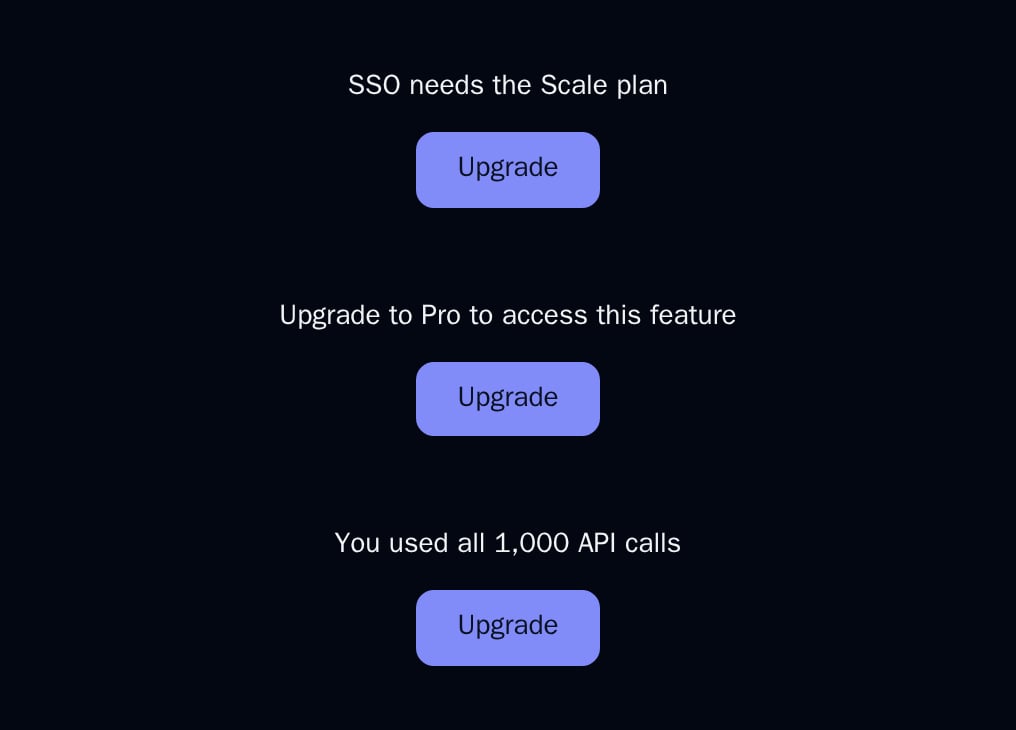
- Dark
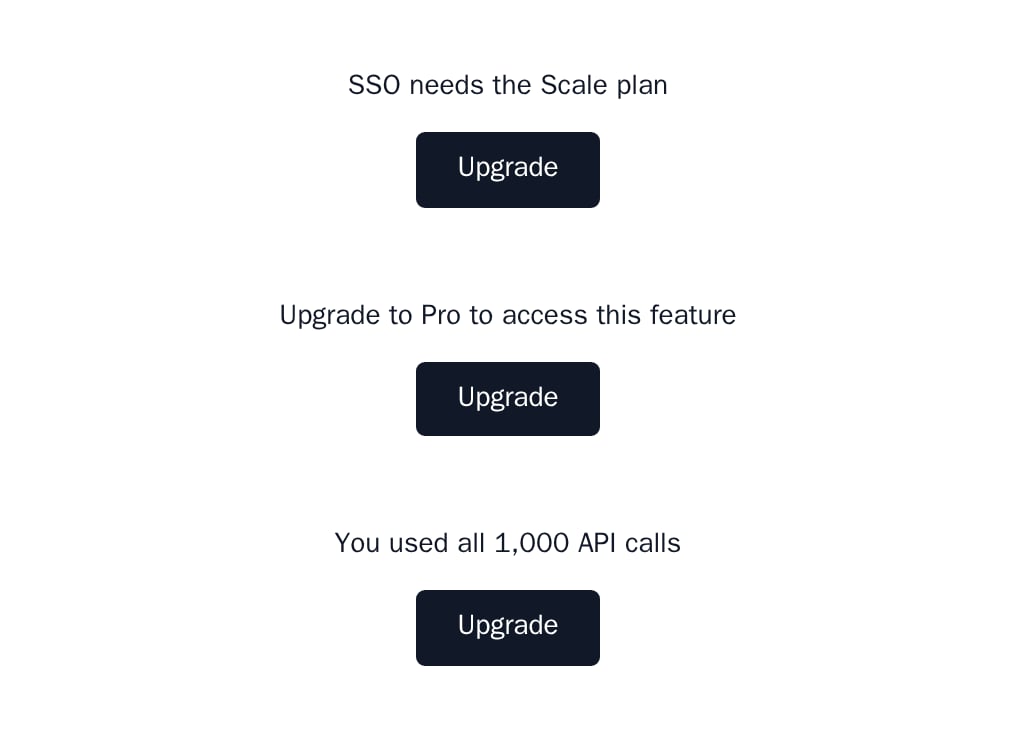
- Minimal
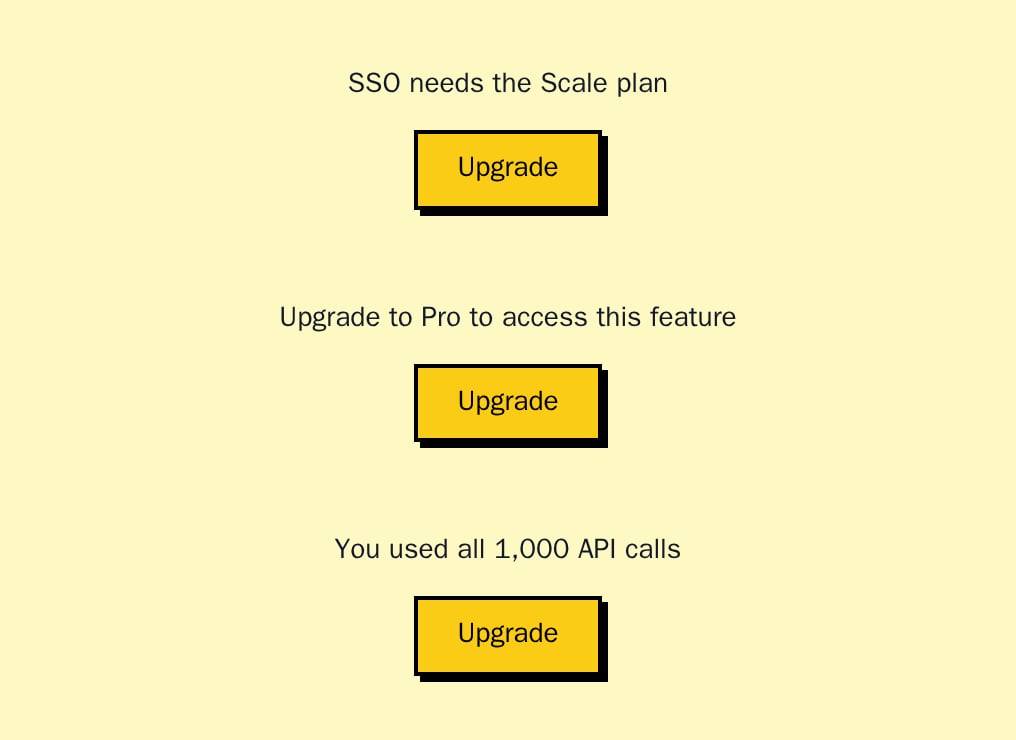
- Neobrutal
- Nozle
- Nozle Dark
Importing PlanGate
Rendering PlanGate
PlanGate has no look of its own and fetches nothing: you pass the customer’s plan code.
components/team-settings.tsx
Data
The gate needs the customer’s plan code ascurrentPlan. It has no loading state; render nothing yourself while the plan loads.
Live data
Take the plan code fromuseSubscription:
Examples
Upgrade prompt as fallback
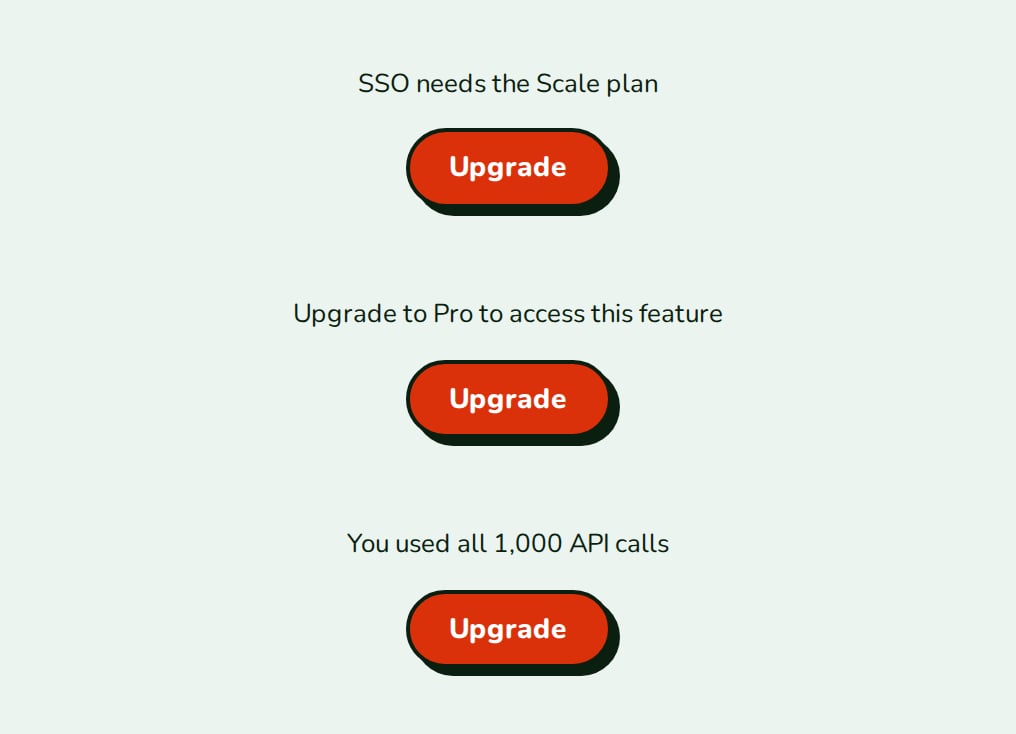
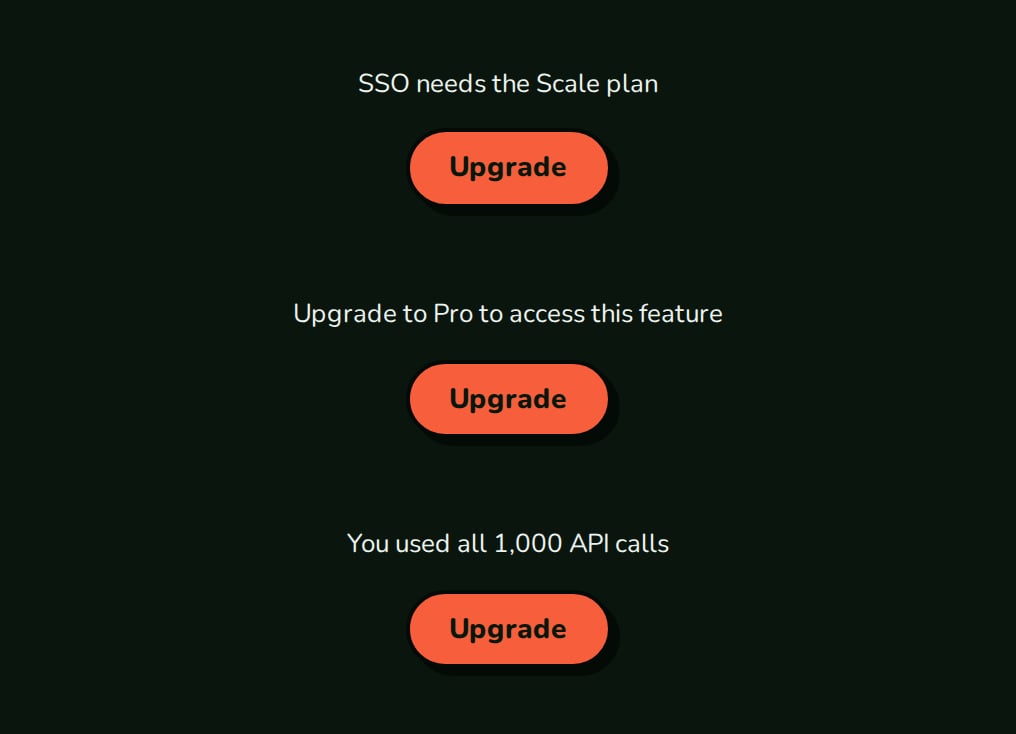
Any plan not inallowedPlans gets the fallback, usually an UpgradePrompt. The screenshot shows the fallbacks of FeatureGate, PlanGate and UsageGate, each an UpgradePrompt.
API reference
string
required
The customer’s plan code.
string[]
required
Plan codes that may see
children, compared exactly.ReactNode
required
The plan-gated content.
ReactNode
default:null
Rendered for any plan not in
allowedPlans.States
PlanGate has no loading state.
Appearance
PlanGate takes no appearance and has no element keys; style the fallback you pass.
Related
FeatureGate
Gate by entitlement.
PlanBadge
Show the customer’s plan.